

Help Center How-To Guides
How to sign up for Botyoo
Create your Botyoo account in under a minute and land on your dashboard.
On this page
How to sign up for Botyoo
Botyoo takes about 60 seconds to sign up. You can use Google OAuth or a magic link sent to your email.
Step 1: Open the sign-up page
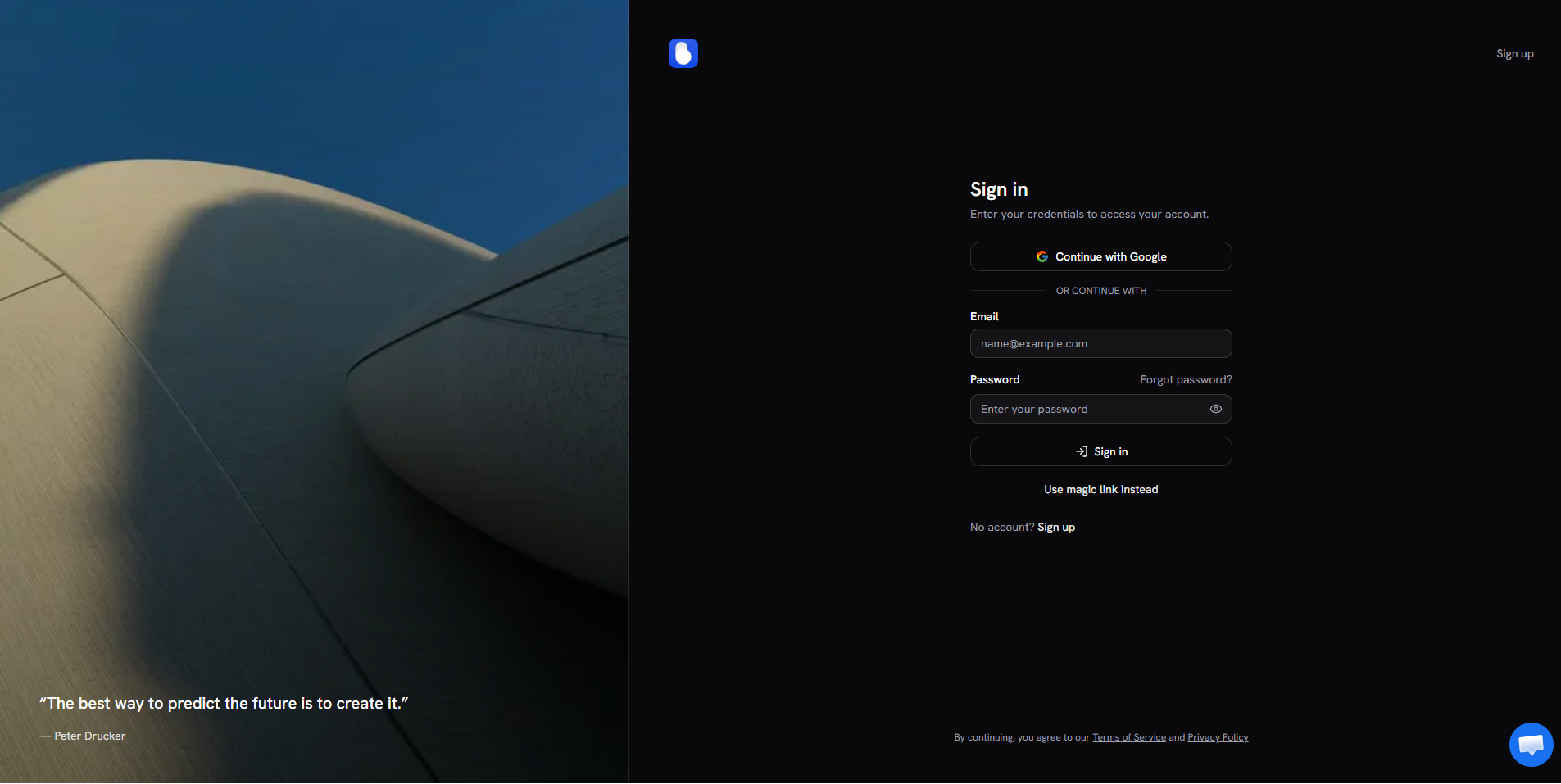
Go to app.botyoo.com and click Sign up.
Step 2: Choose your sign-in method
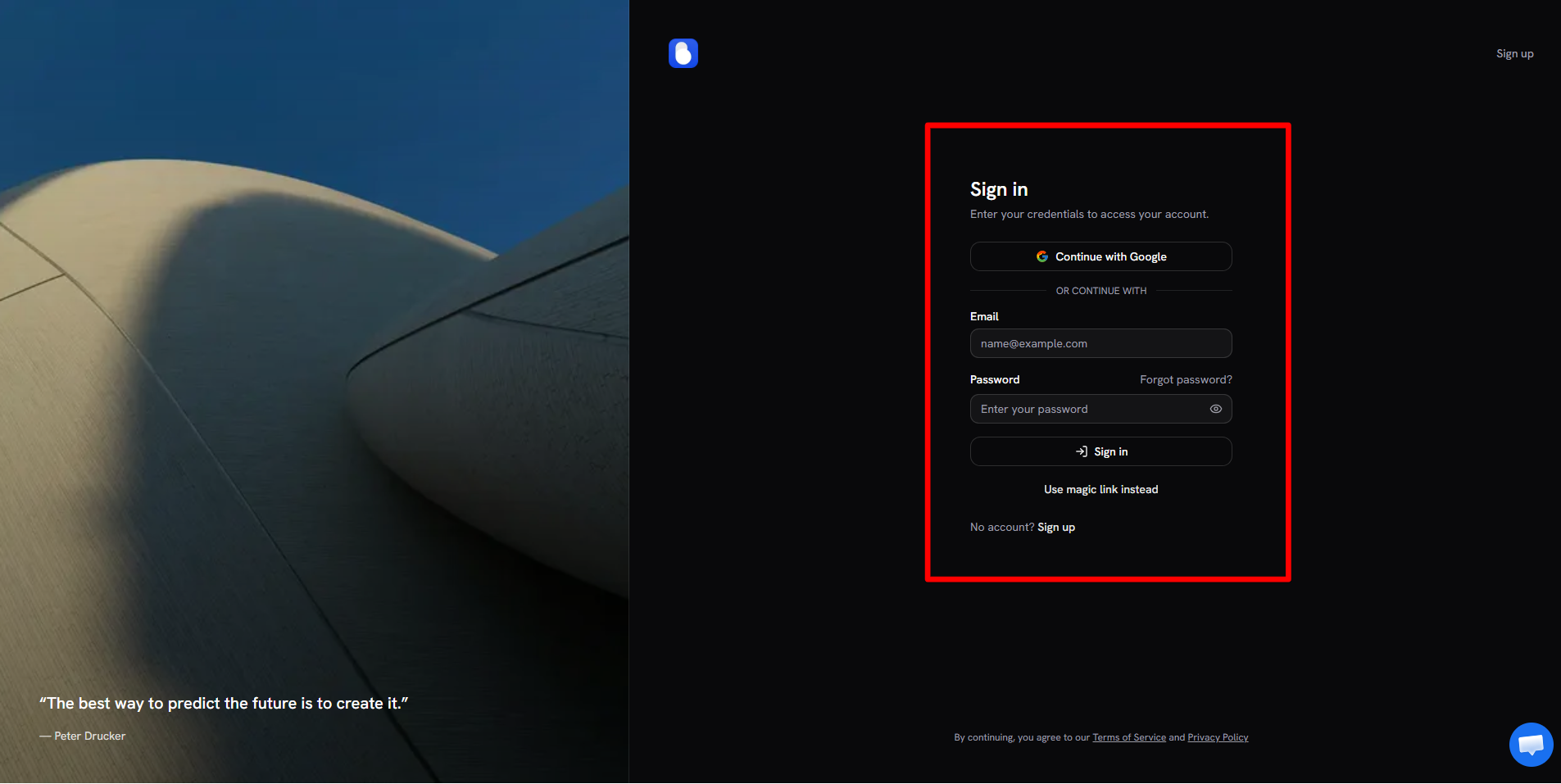
- Google, one click. Botyoo uses your Google email and avatar.
- Email + magic link, enter your email and Botyoo sends a one-time login link.
- Email + password, set a password if you prefer the classic flow.
Step 3: Verify your email
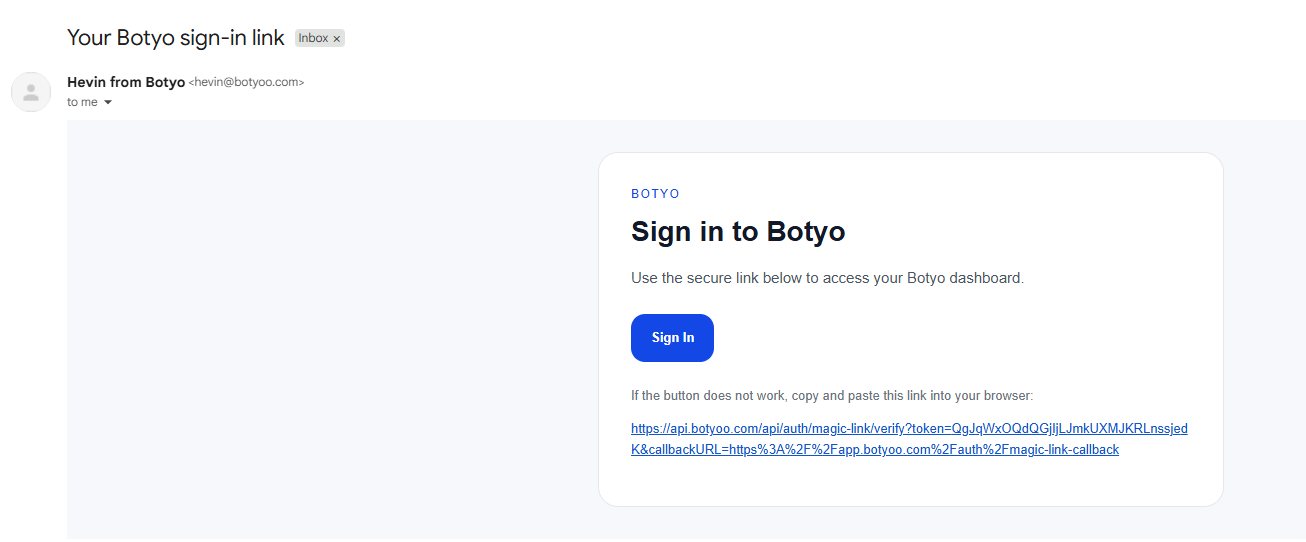
If you used email instead of Google, click the verification link Botyoo sends. The link logs you in automatically.
Step 4: Land on the dashboard
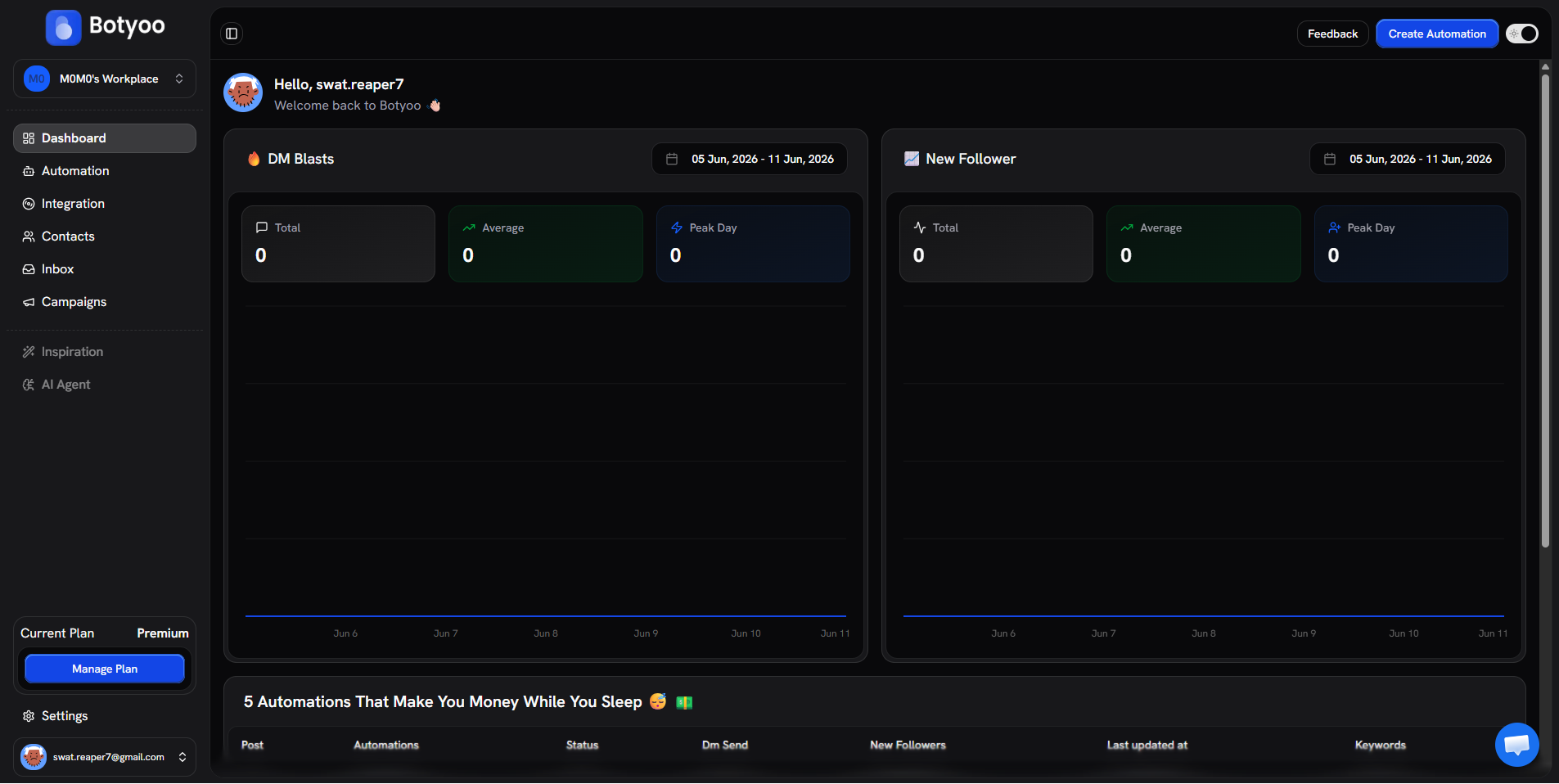
Once verified, you’re taken to your dashboard. You’ll see DM Blasts and New Follower analytics panels, both empty until you set up your first automation.
What’s next
Was this article helpful?