

How to create your first automation
Build a comment-to-DM Instant Automation in under five minutes.
On this page
How to create your first automation
Your first automation is almost always a comment-to-DM: someone comments a keyword on your post, Botyoo replies with a personalized DM.
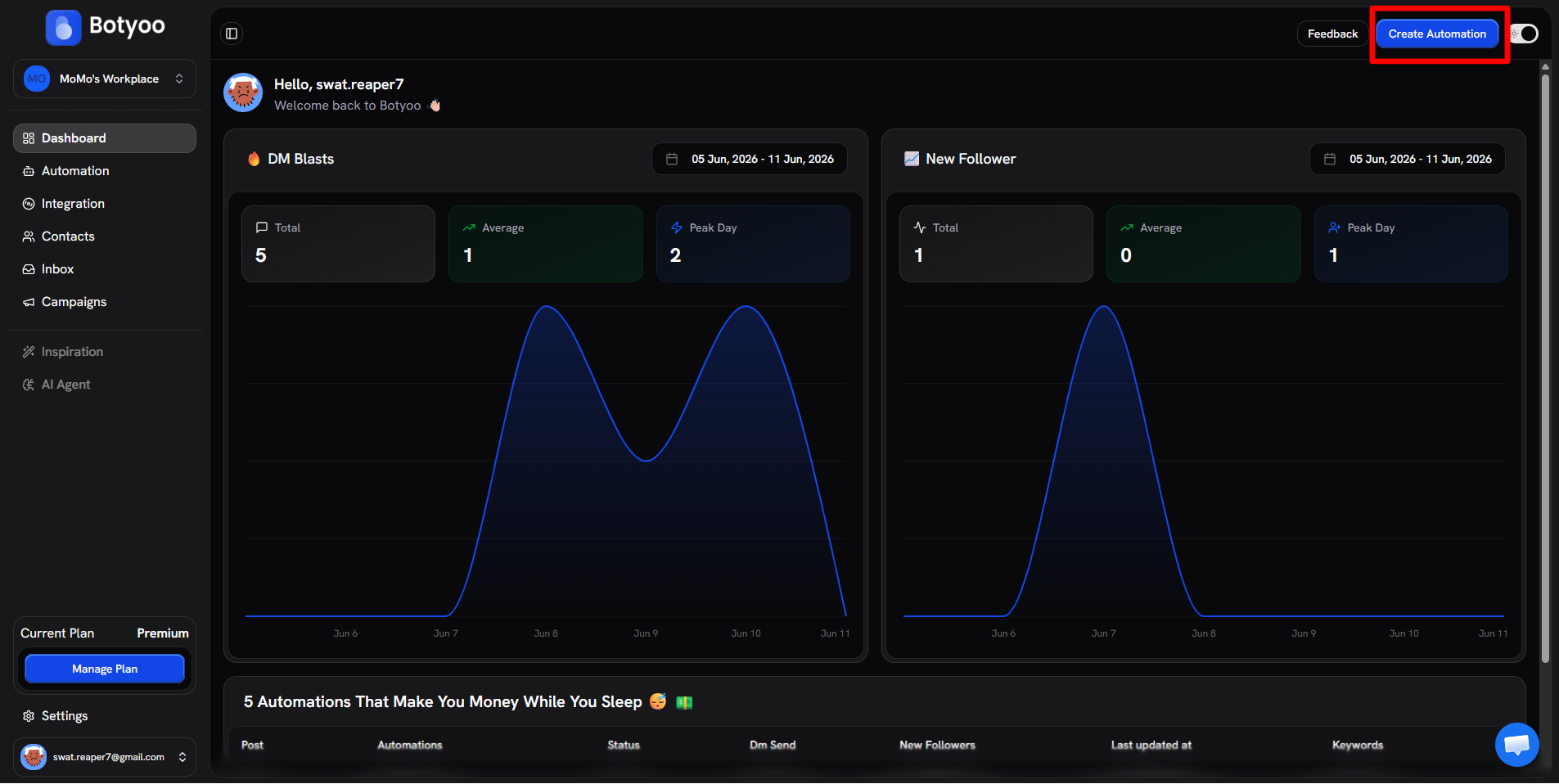
Step 1: Click Create Automation
In the top bar of any page, click the blue Create Automation button.
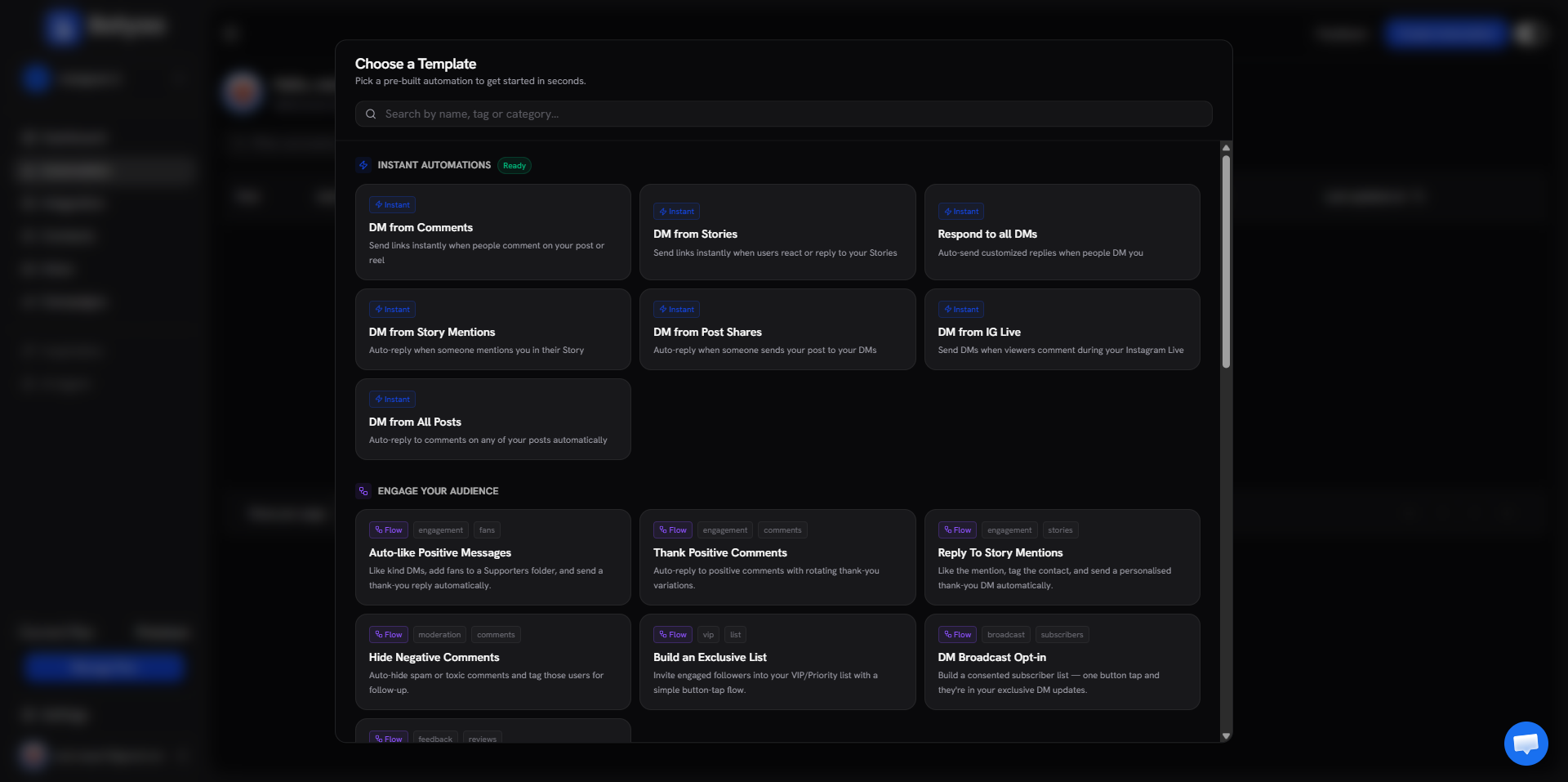
Step 2: Pick a template (or start from scratch)
The template picker opens. Choose DM from Comments (the simplest Instant) or Start from Scratch for a custom flow.
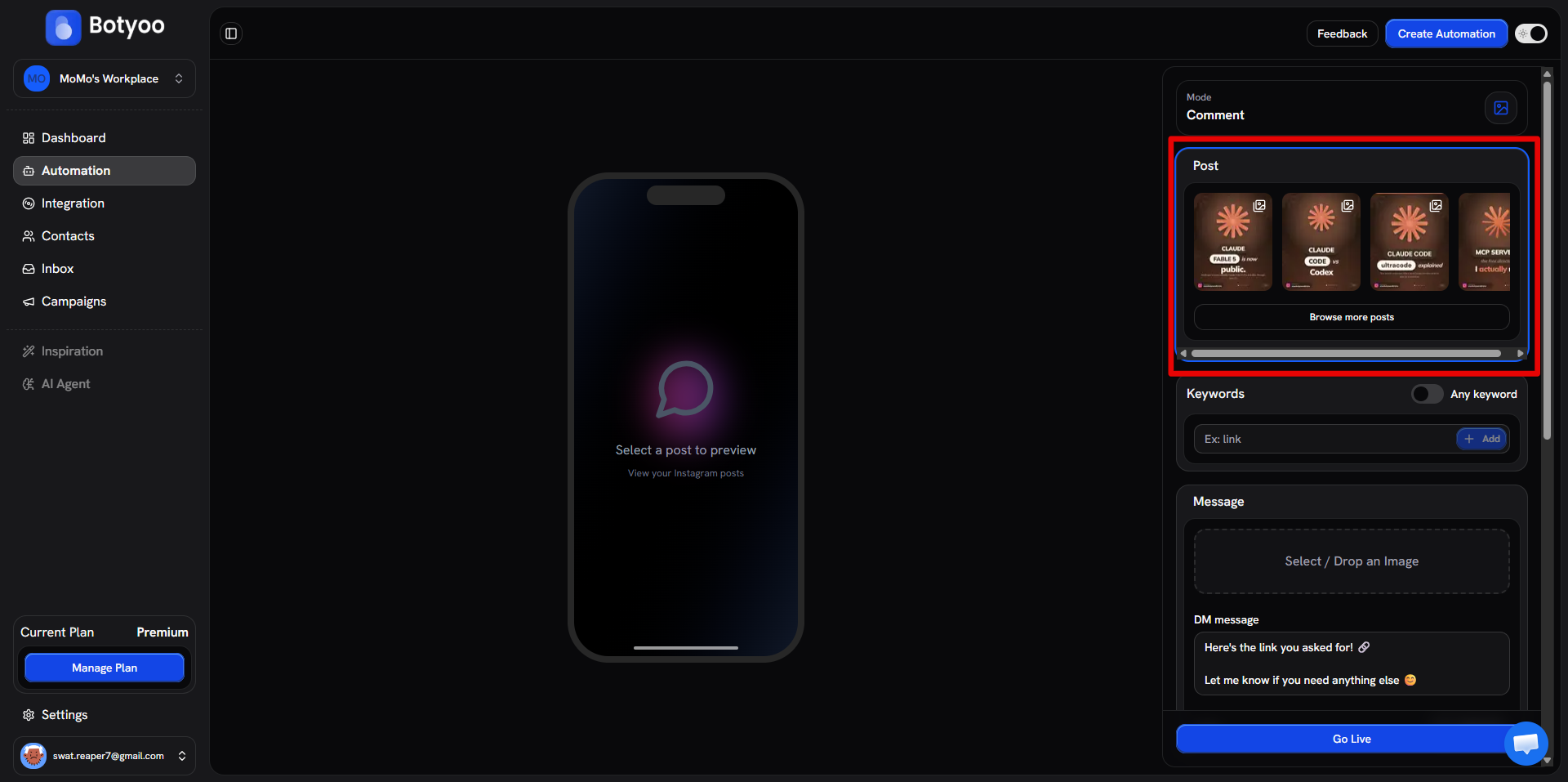
Step 3: Choose the post
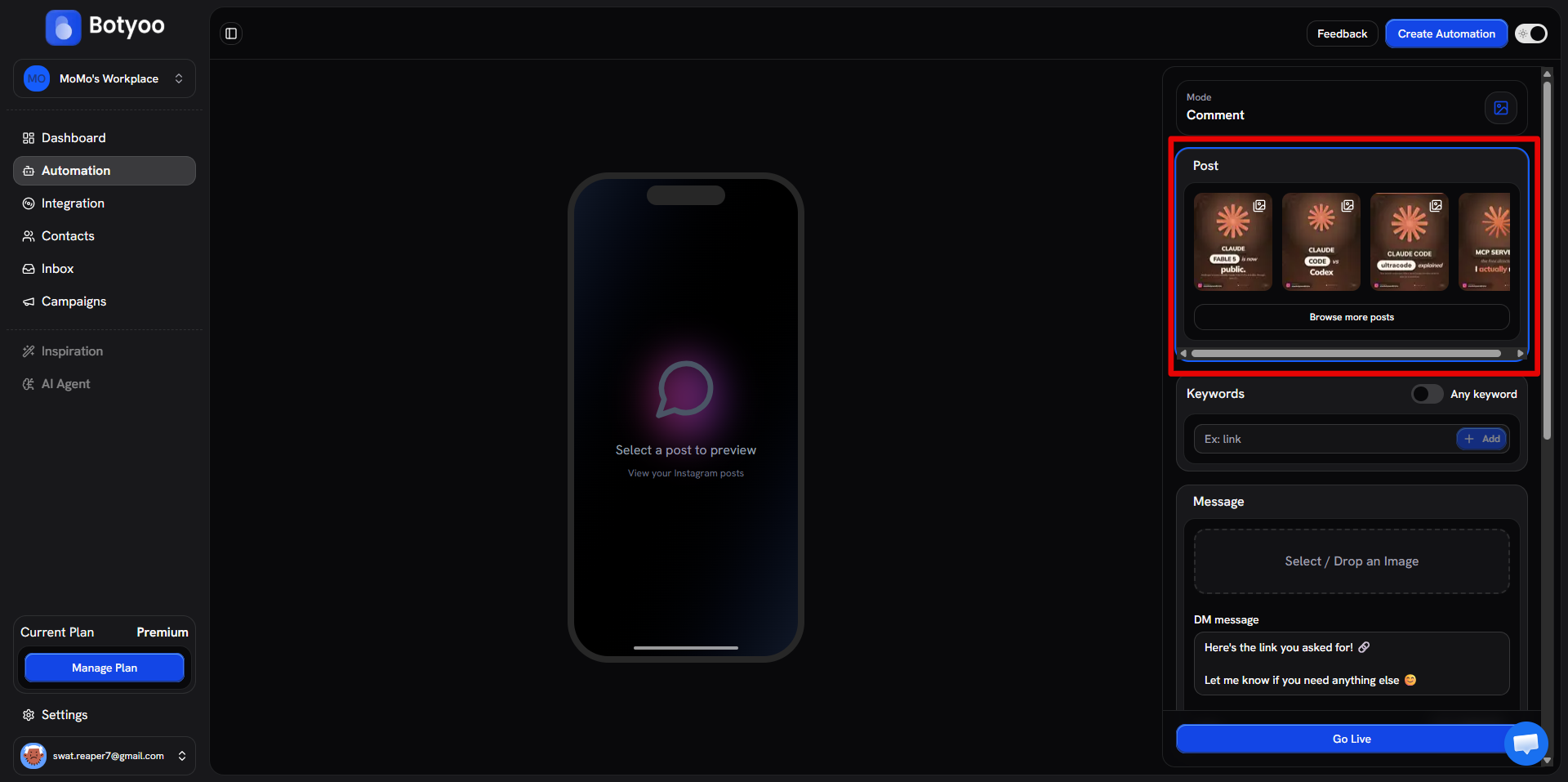
Click the post selector and pick the Reel or post the automation should watch. Use Browse more posts to add more than one.
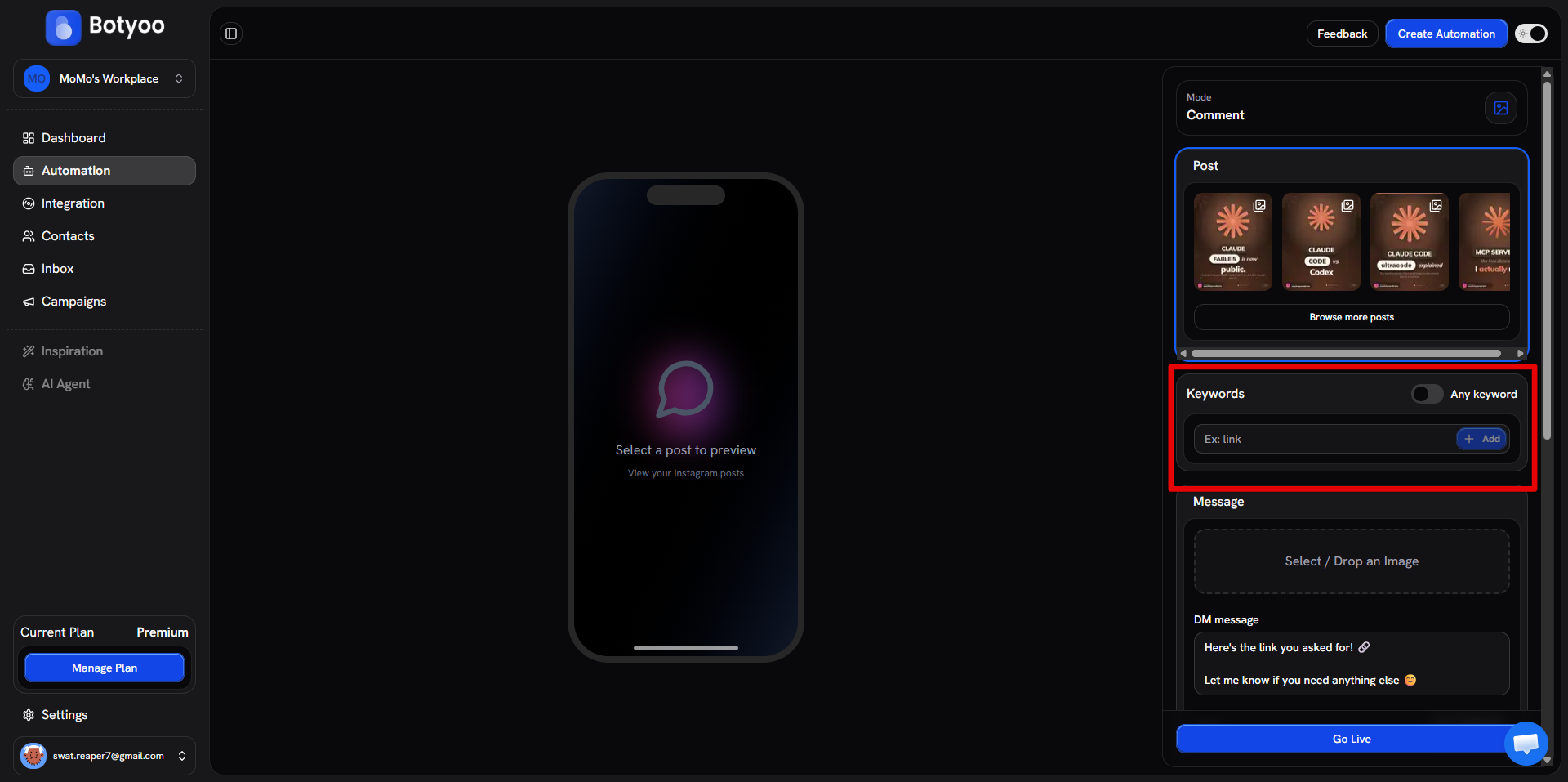
Step 4: Set keywords
Enter the keywords that trigger the DM (e.g. LINK, GUIDE). Each chip is one keyword.
Step 5: Write the DM
Compose the DM message. Add an image, links, and variables if you want.
Step 6: Turn options on (optional)
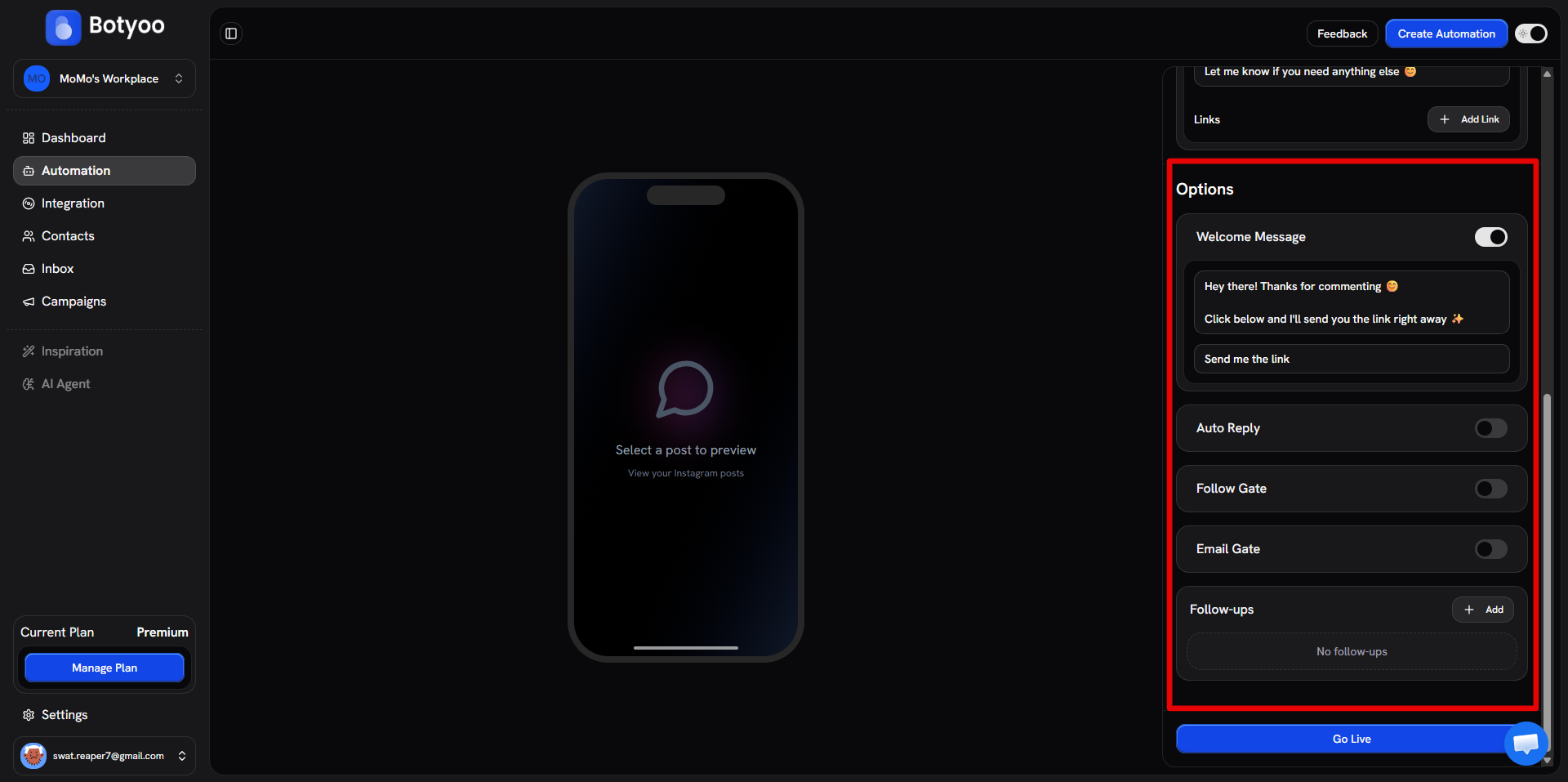
In the Options section, enable Welcome Message, Auto Reply, Follow Gate, or Email Gate as needed.
Step 7: Activate
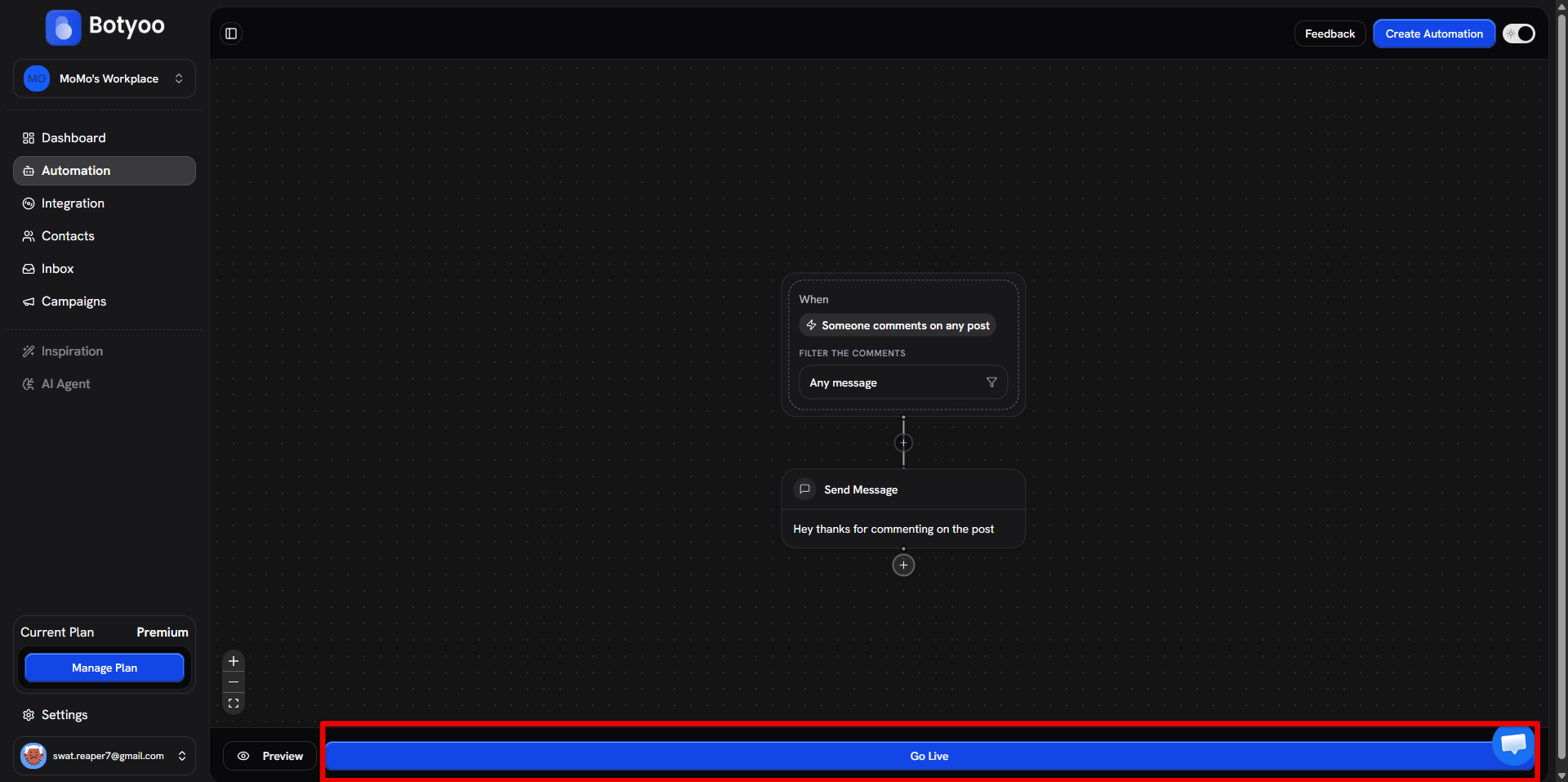
Toggle the automation Active. Botyoo starts watching the post immediately.
Test it
From a second Instagram account, comment your keyword on the post. The DM should arrive within seconds.
What’s next
Was this article helpful?