

Help Center How-To Guides
How to set up a DM auto-responder
Auto-reply when someone sends you an Instagram DM, with optional keyword filtering.
On this page
How to set up a DM auto-responder
A DM auto-responder catches incoming DMs, including ones that didn’t come from a comment or an ad, and replies automatically.
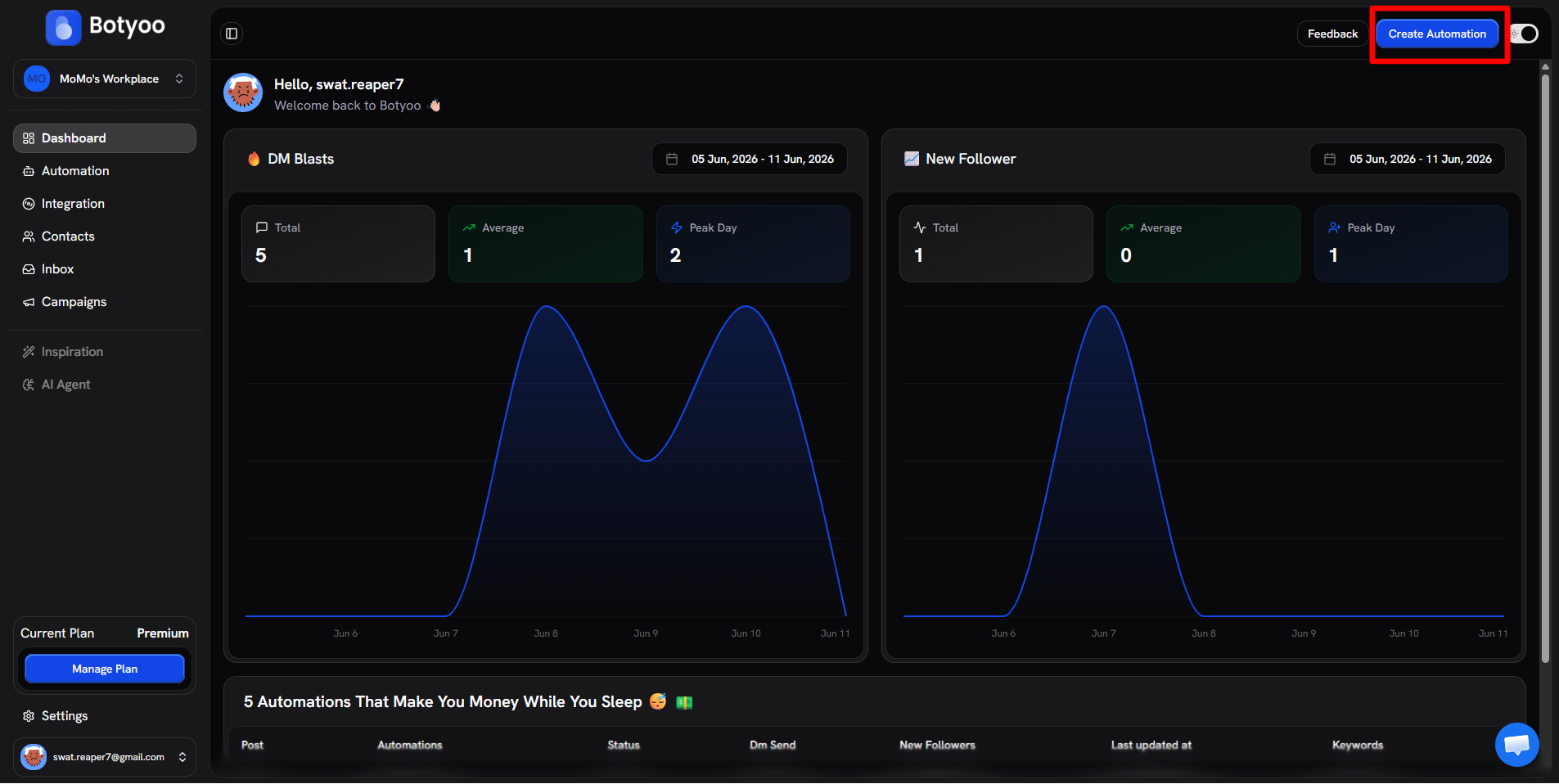
Step 1: Click Create Automation
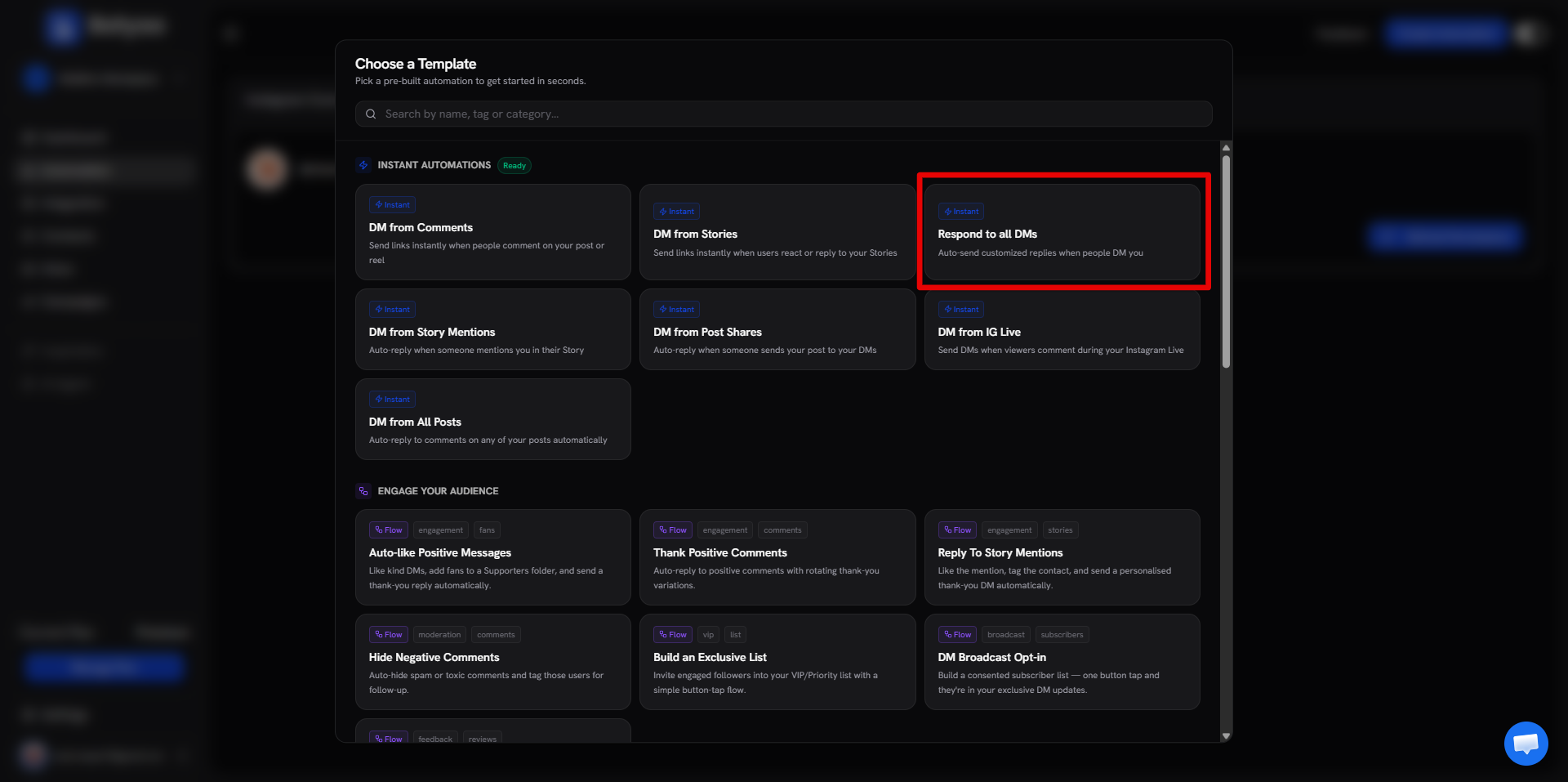
Step 2: Pick “Respond to all DMs”
Choose the Respond to all DMs Instant template, or start from scratch with the DM received trigger.
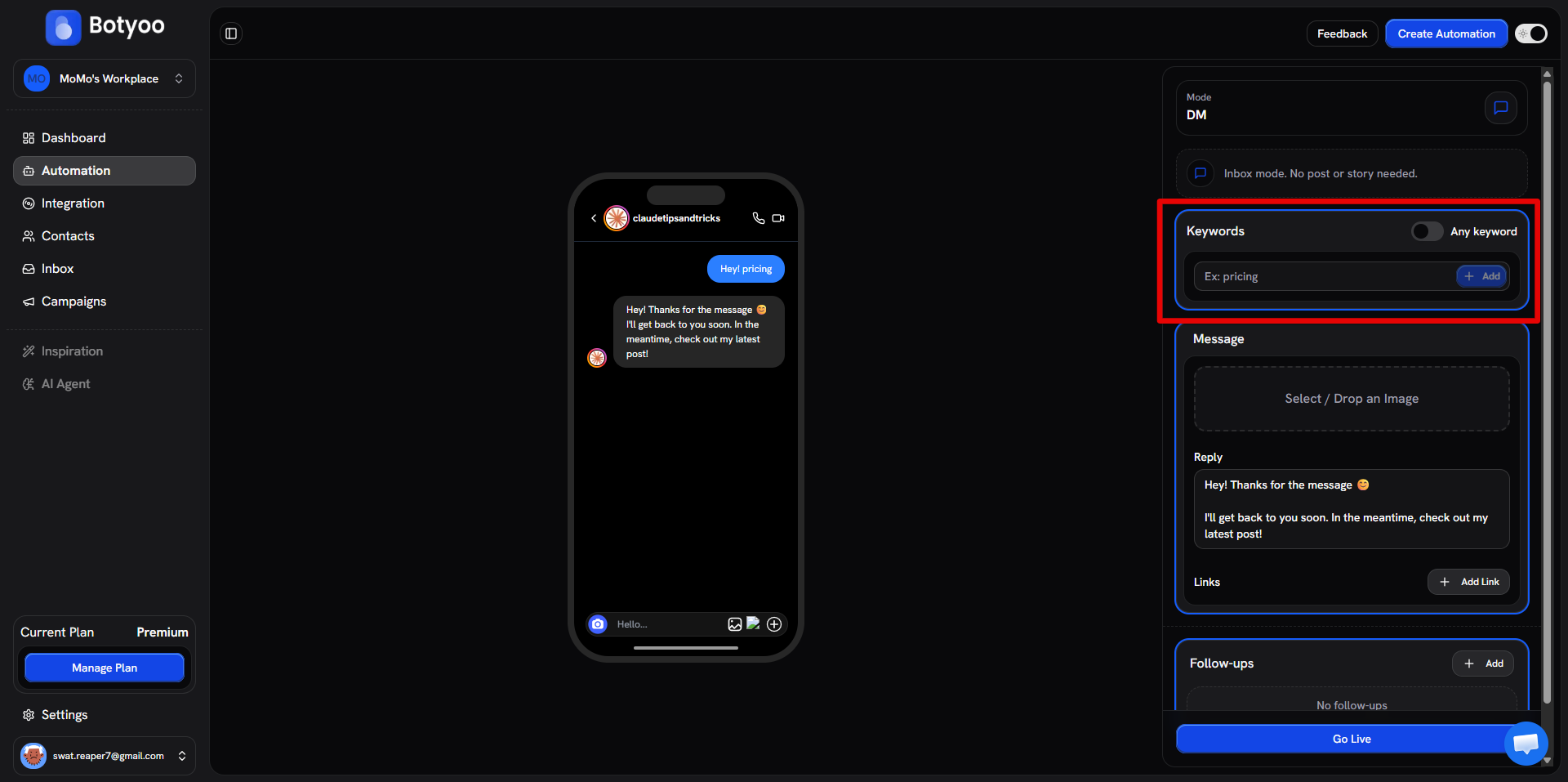
Step 3: Set keywords (optional)
If you want to respond only to DMs containing certain words (PRICE, INFO, HELP), add them as keywords. To respond to every DM, turn Any keyword on.
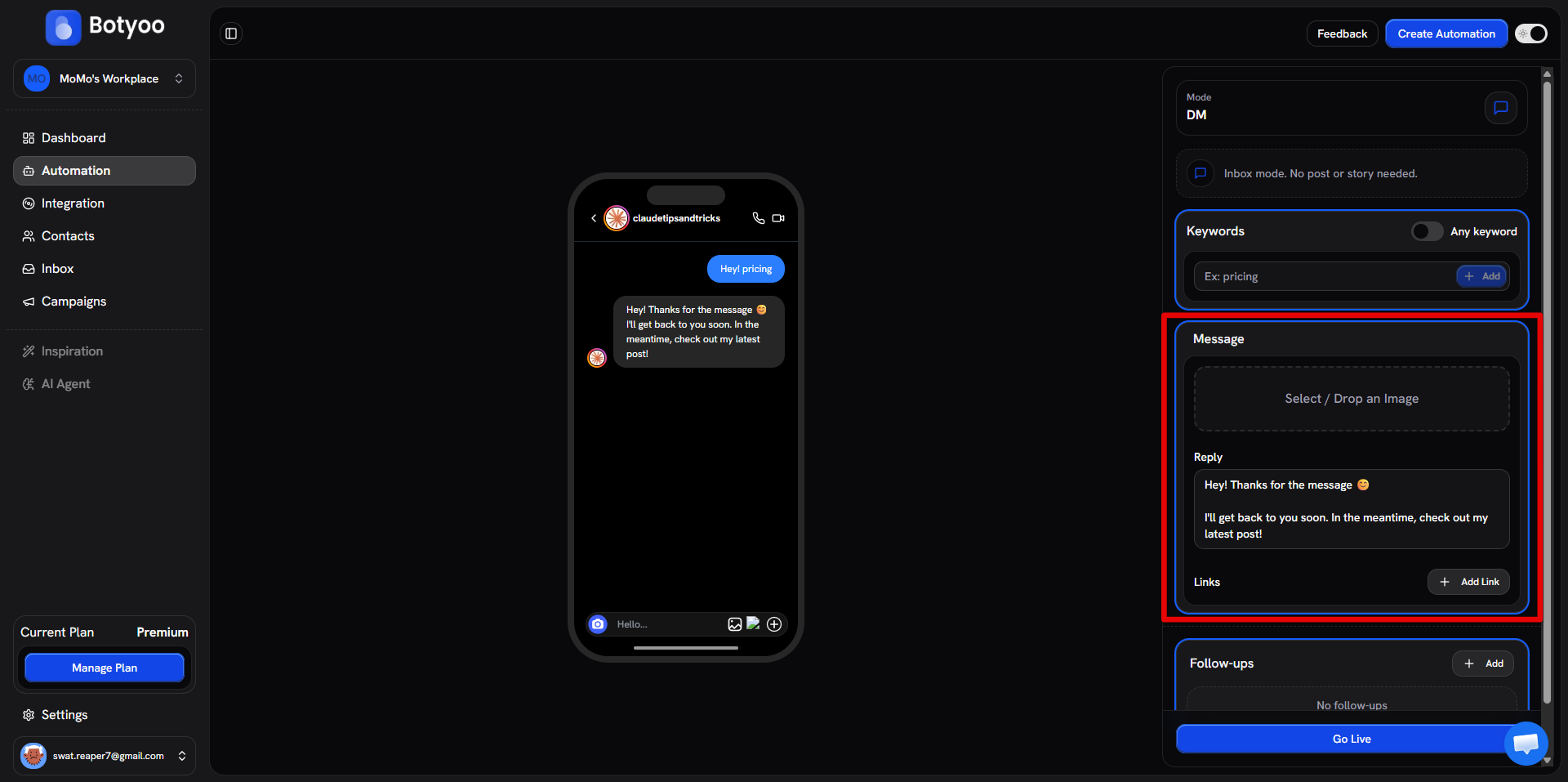
Step 4: Write the auto-reply
Compose the message. Use variables to personalize: Hey {{contact.name}}, thanks for the message! Here's...
Step 5: Activate
Toggle Active. Botyoo watches every incoming DM.
What happens if the contact already triggered today?
The 24-hour cooldown prevents the same person from receiving the same auto-reply twice in 24 hours.
Use cases
| Use case | Keyword setup |
|---|---|
| Inbox FAQ: auto-answer “PRICE” | Keyword: PRICE, pricing, cost |
| Welcome every new DM | Any keyword on |
| Route “support” DMs to a follow-up | Keyword: support, help, issue |
What’s next
Was this article helpful?