

How to automate Story mentions
Auto-reply when someone @-mentions you in their Instagram Story.
On this page
How to automate Story mentions
Story mentions are one of the most engagement-rich triggers. When someone tags you in their Story, you can auto-like, tag the contact, and send a personalized thank-you DM, without lifting a finger.
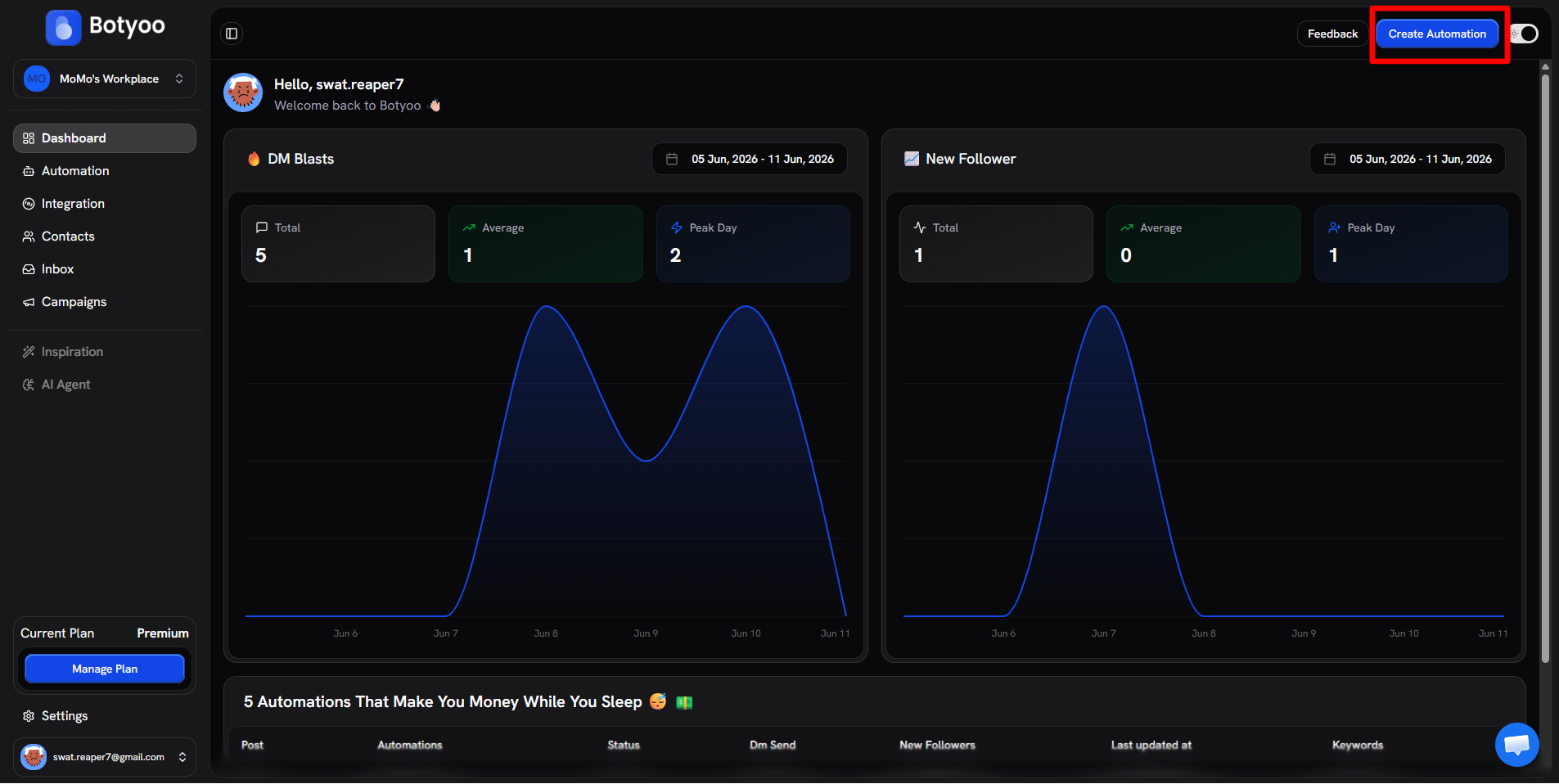
Step 1: Click Create Automation
Step 2: Pick the Story Mention template
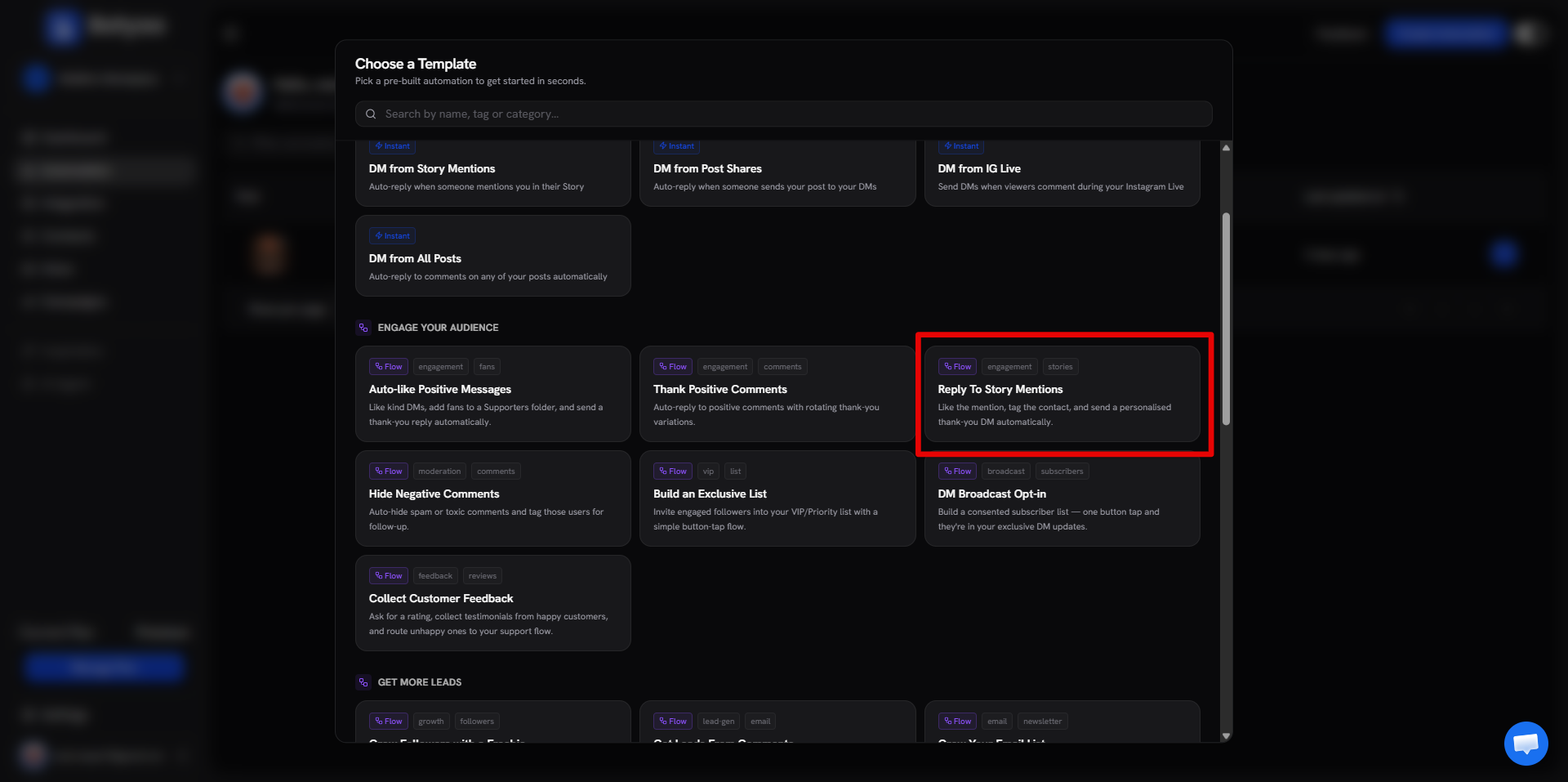
In the template picker, choose Reply To Story Mentions under the Engage Your Audience category.
Step 3: Customize the DM
The template ships with a thank-you DM. Edit the text to sound like you, add an emoji or two, and reference the mention.
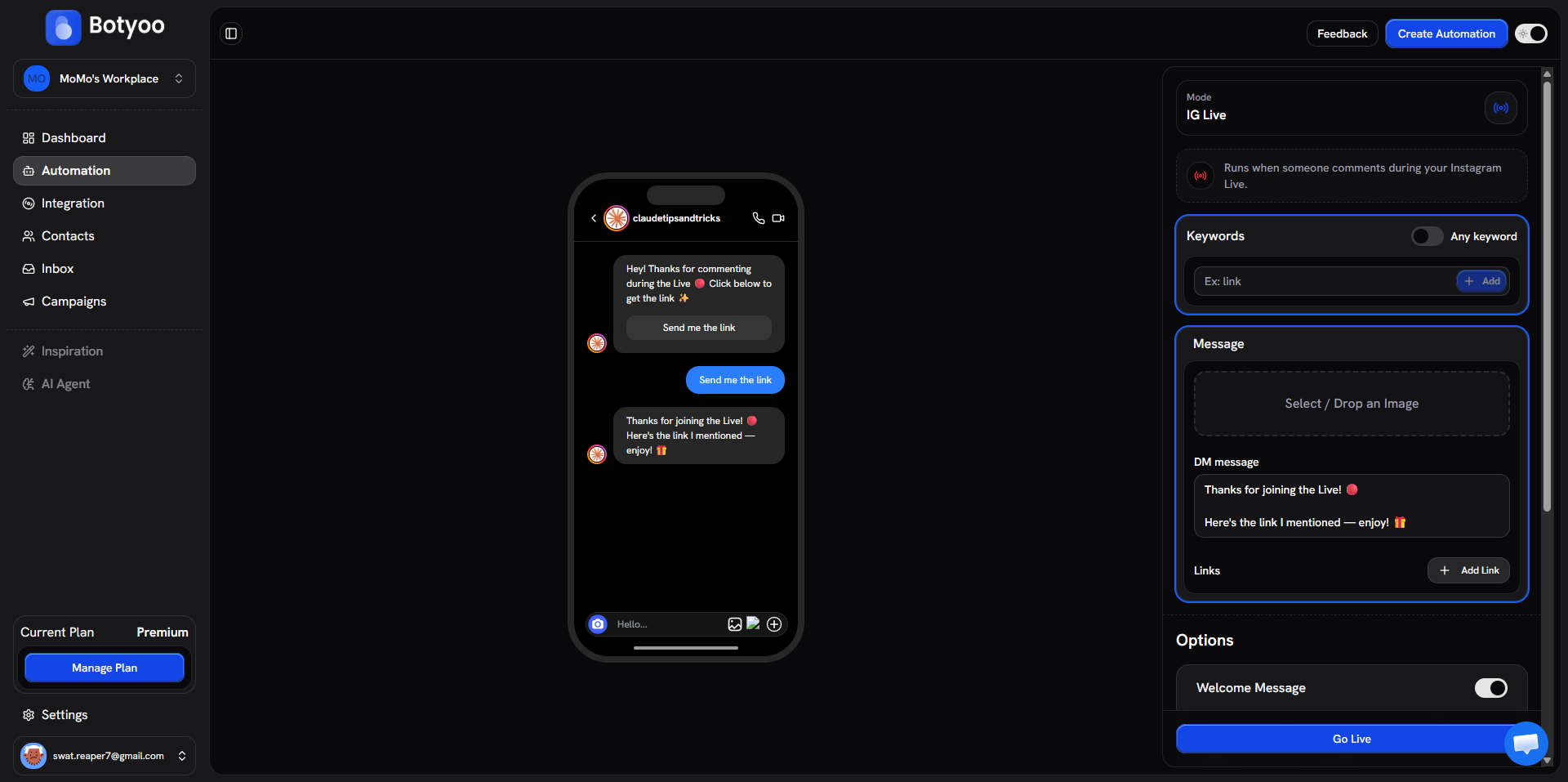
Example: Thanks for the love, {{contact.name}}! 🙏 Re-sharing right now ❤️
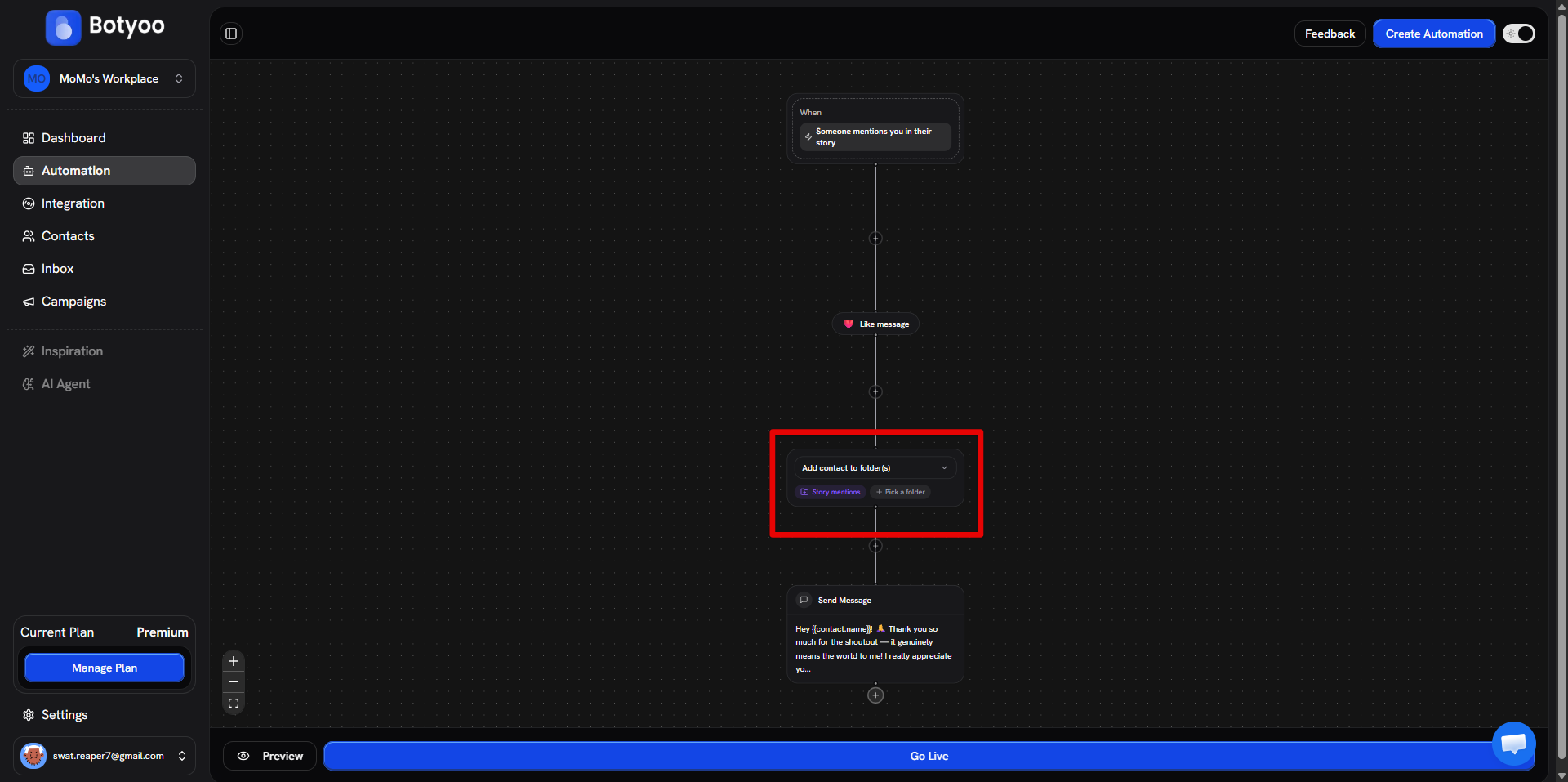
Step 4: Add tagging (optional)
Add a Tag contact step or Add to folder step to mark them as a Supporter, useful for VIP segmentation later.
Step 5: Activate
Toggle Active. Botyoo starts watching for Story mentions on the connected account.
How it fires
| Event | Botyoo response |
|---|---|
Someone tags you with @yourhandle in their Story | Trigger fires |
| Story is shared to feed | Like the mention (if step included) |
| Botyoo processes the contact | Tag / add to folder (if steps included) |
| Botyoo sends the DM | Personalized thank-you |
What’s next
Was this article helpful?