

How to set up a keyword trigger
Configure which comments fire your automation using keywords or "any keyword" mode.
On this page
How to set up a keyword trigger
Keywords decide which comments fire your automation. A good keyword setup is the difference between a tight funnel and a noisy one.
Step 1: Open an automation
Open or create the automation you want to configure.
Step 2: Find the Keywords section
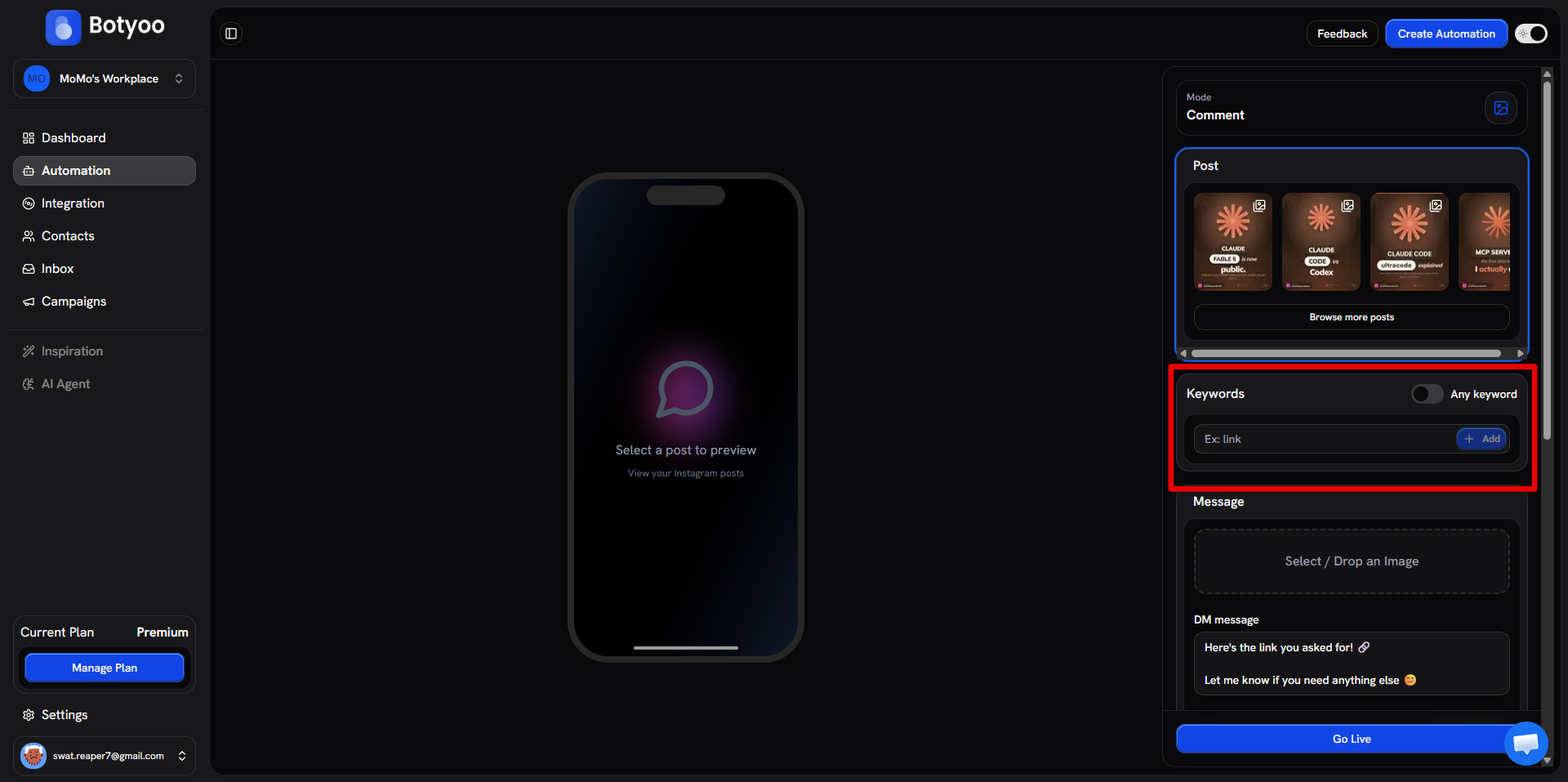
Scroll to Keywords inside the automation editor.
Step 3: Add your keywords
Type a keyword in the Ex: link field and click + Add (or press Enter). Each keyword becomes a chip below the input. Add as many as you want, Botyoo matches with OR logic, so a comment containing any keyword in the list fires the automation.
Matching is case-insensitive and uses substring matching, typing link will fire on a comment that says “send me the LINK please”.
Step 4: Or fire on every comment
If you want the automation to respond to every comment regardless of content, flip the Any keyword toggle in the top-right of the Keywords section. The keyword field is ignored when this is on.
Step 5: Test
Comment your own keyword from a second account on the watched post. The DM should arrive within a few seconds.
Tips
- Short single words (
LINK,INFO,PRICE) outperform phrases - Avoid generic words (
the,i) that fire on accidental matches - Use emojis,
❤️alone is a valid keyword - Use Any keyword mode sparingly, it fires on every comment, including spam
What’s next
Was this article helpful?