

Help Center How-To Guides
How to add Follow Gate
Grow followers by gating your link behind a follow before the DM is delivered.
On this page
How to add Follow Gate
Follow Gate sends your link only after the user follows you. Non-followers see a “follow to unlock” message instead.
Step 1: Open the automation
Open the Instant Automation you want to gate.
Step 2: Find Options
Scroll to the Options section.
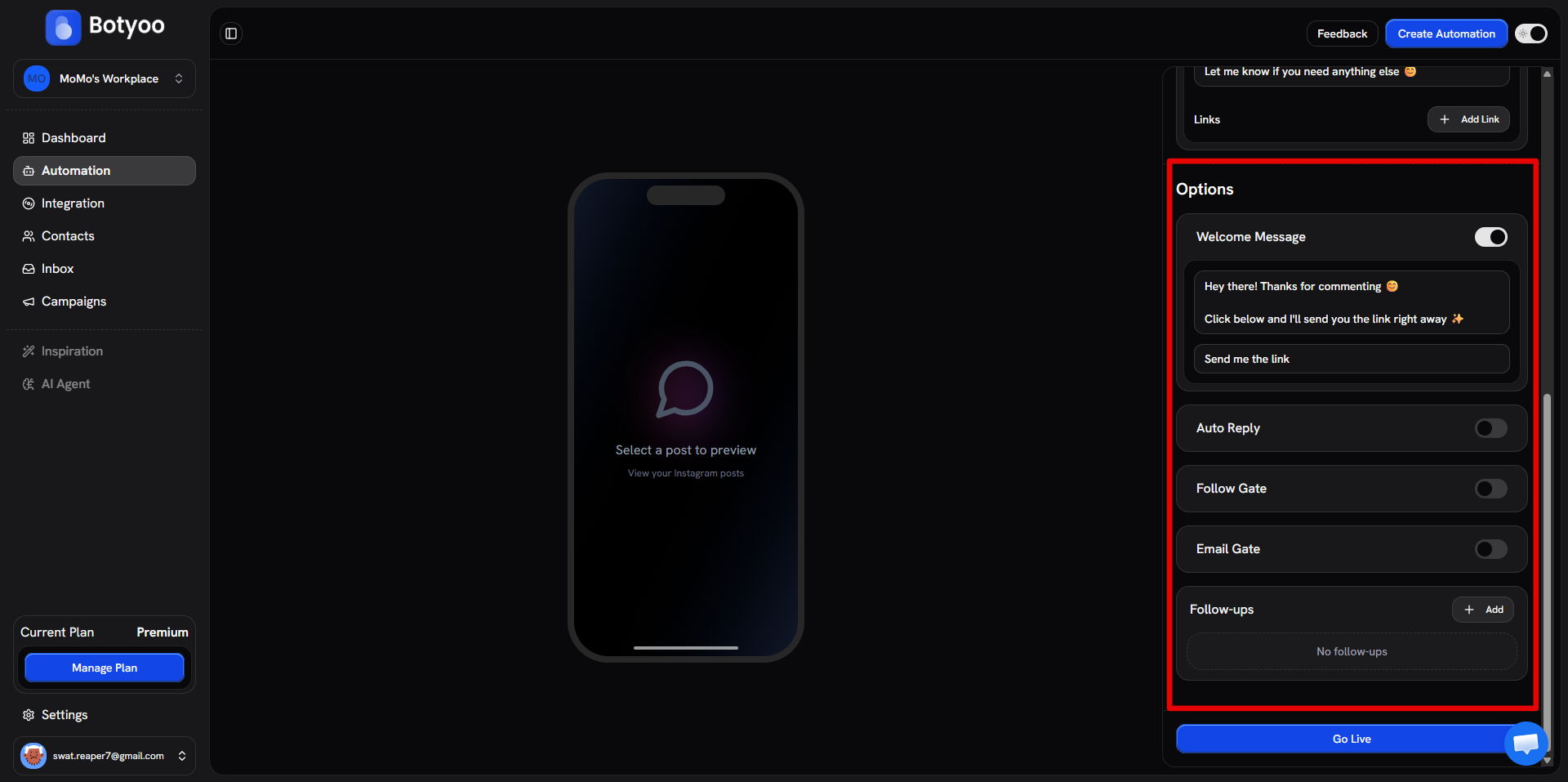
Step 3: Toggle Follow Gate
Turn Follow Gate on.
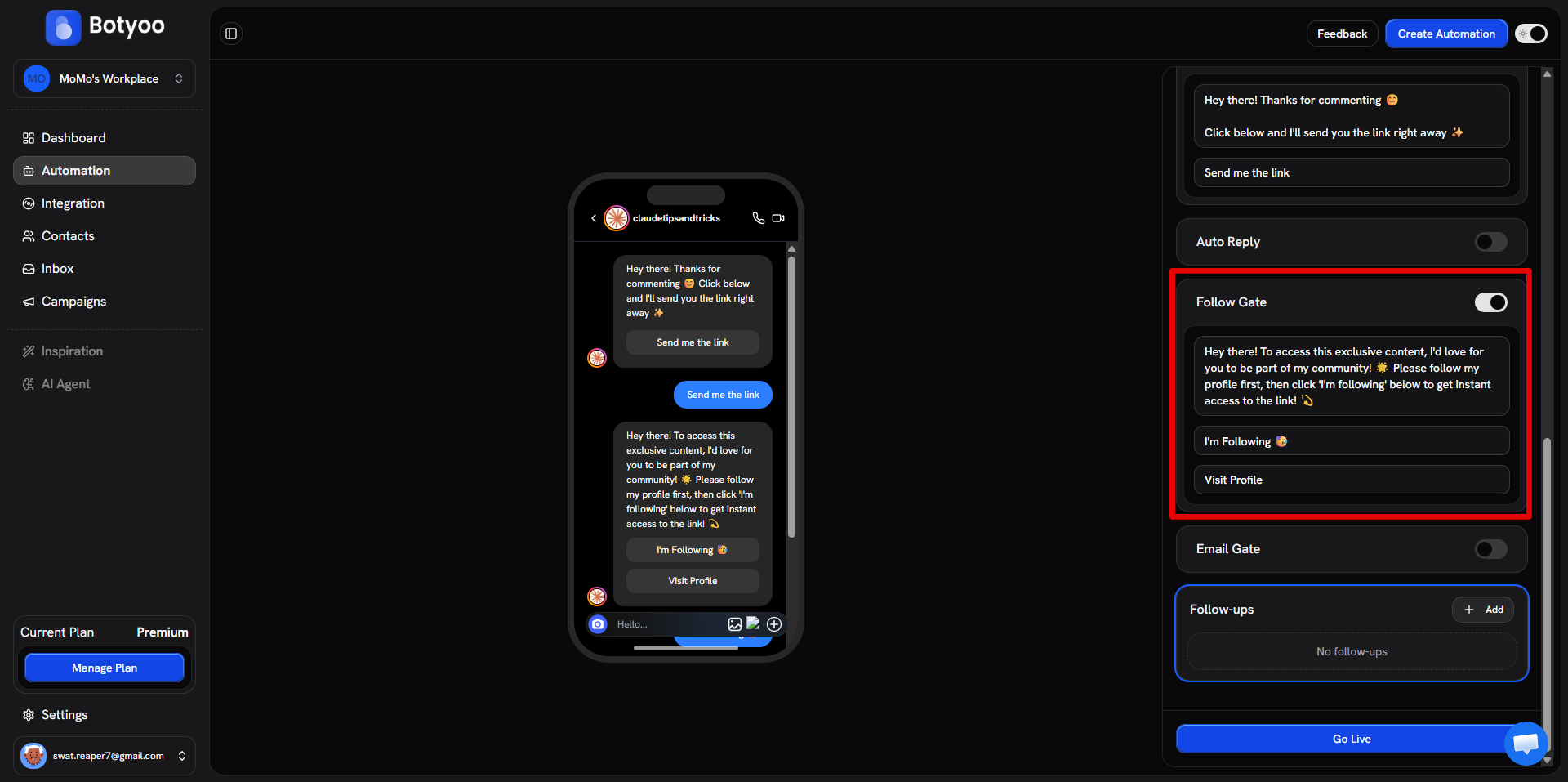
Step 4: Customize the gate message
Edit the “follow us to unlock” message. Default copy works, but a personal line converts better.
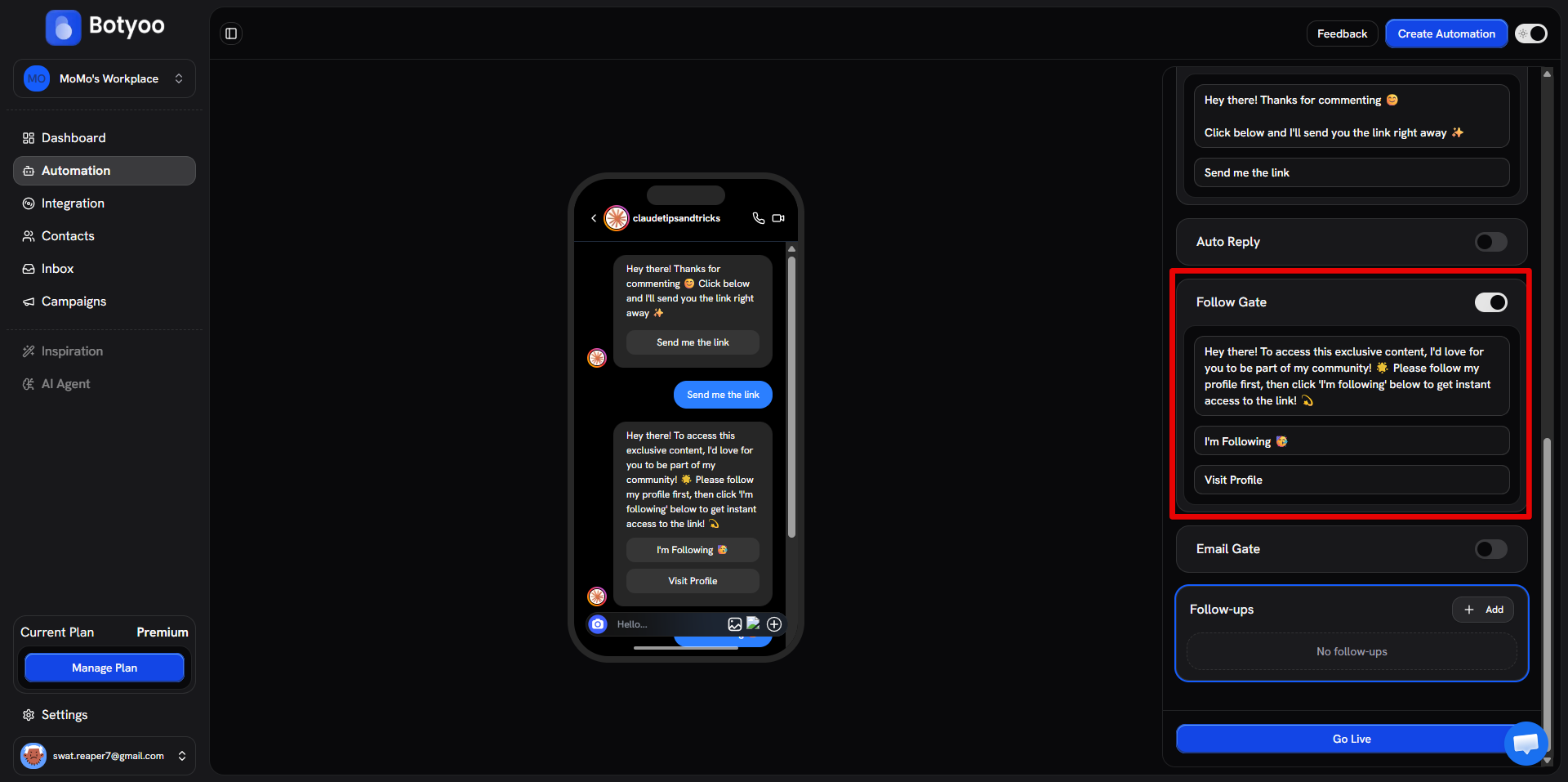
Step 5: Save and activate
Toggle the automation Active. The gate runs on every new comment.
How it works
- User comments your keyword
- Botyoo checks if they follow you
- Following → original DM is sent immediately
- Not following → Botyoo sends the gate message (“follow to unlock”). Once they follow, the original DM is sent automatically
When to use it
- Discount drops where you want the audience growth
- Lead magnets where the freebie is the incentive to follow
- Any one-off offer where the trade (“follow, then get the link”) feels fair
What’s next
Was this article helpful?