

Help Center How-To Guides
How to add Auto Reply with variations
Reply publicly to every commenter with rotating thank-you messages.
On this page
How to add Auto Reply with variations
Auto Reply posts a public comment under the commenter’s comment. Multiple variations stop your public replies from looking identical.
Step 1: Open the automation
Open the comment-to-DM automation you want to add Auto Reply to.
Step 2: Find Options → Auto Reply
Scroll to Options and turn Auto Reply on.
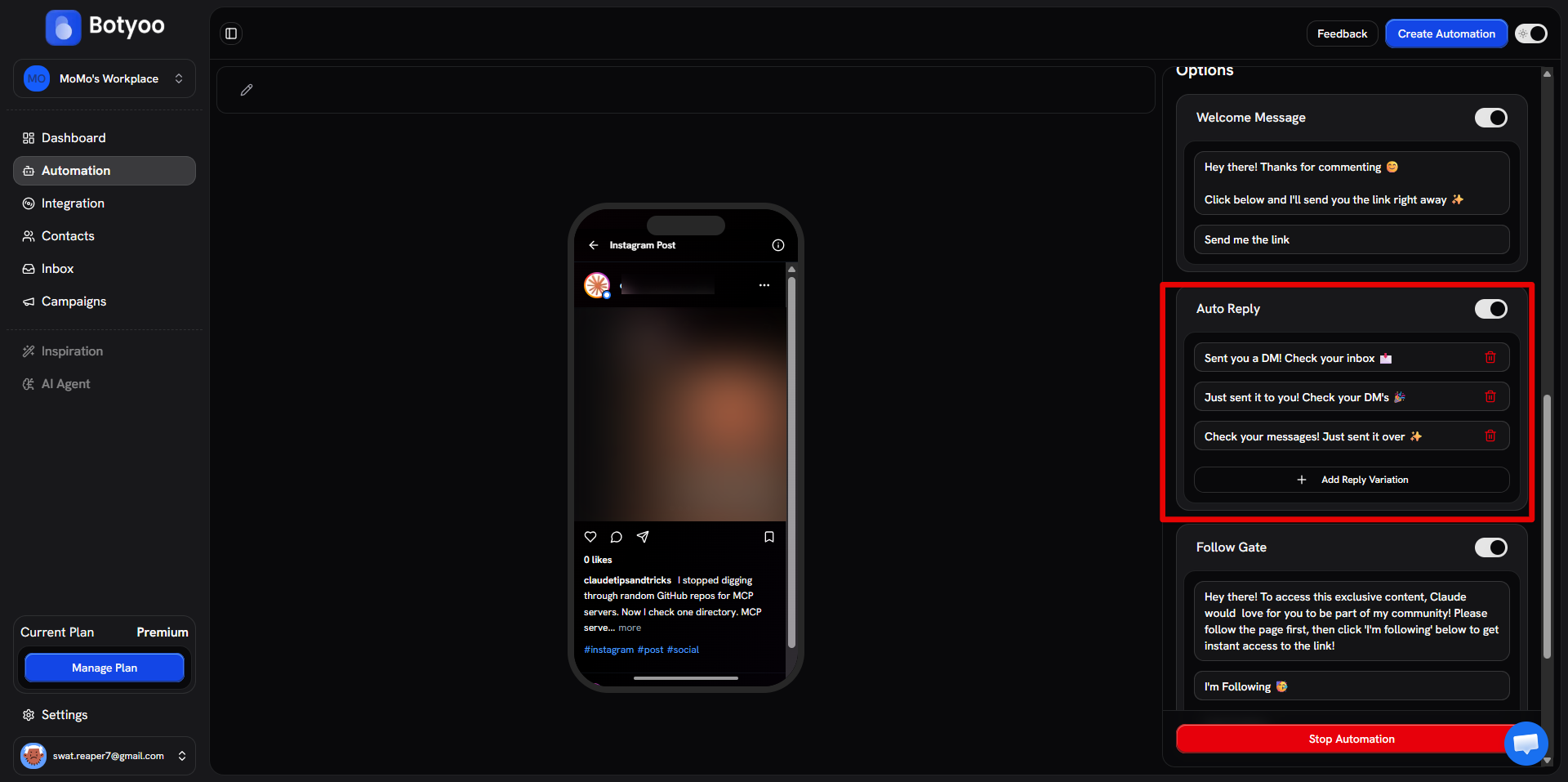
Step 3: Add reply variations
Write 3–5 short variations. Each one gets used in rotation so no two commenters see the same public reply.
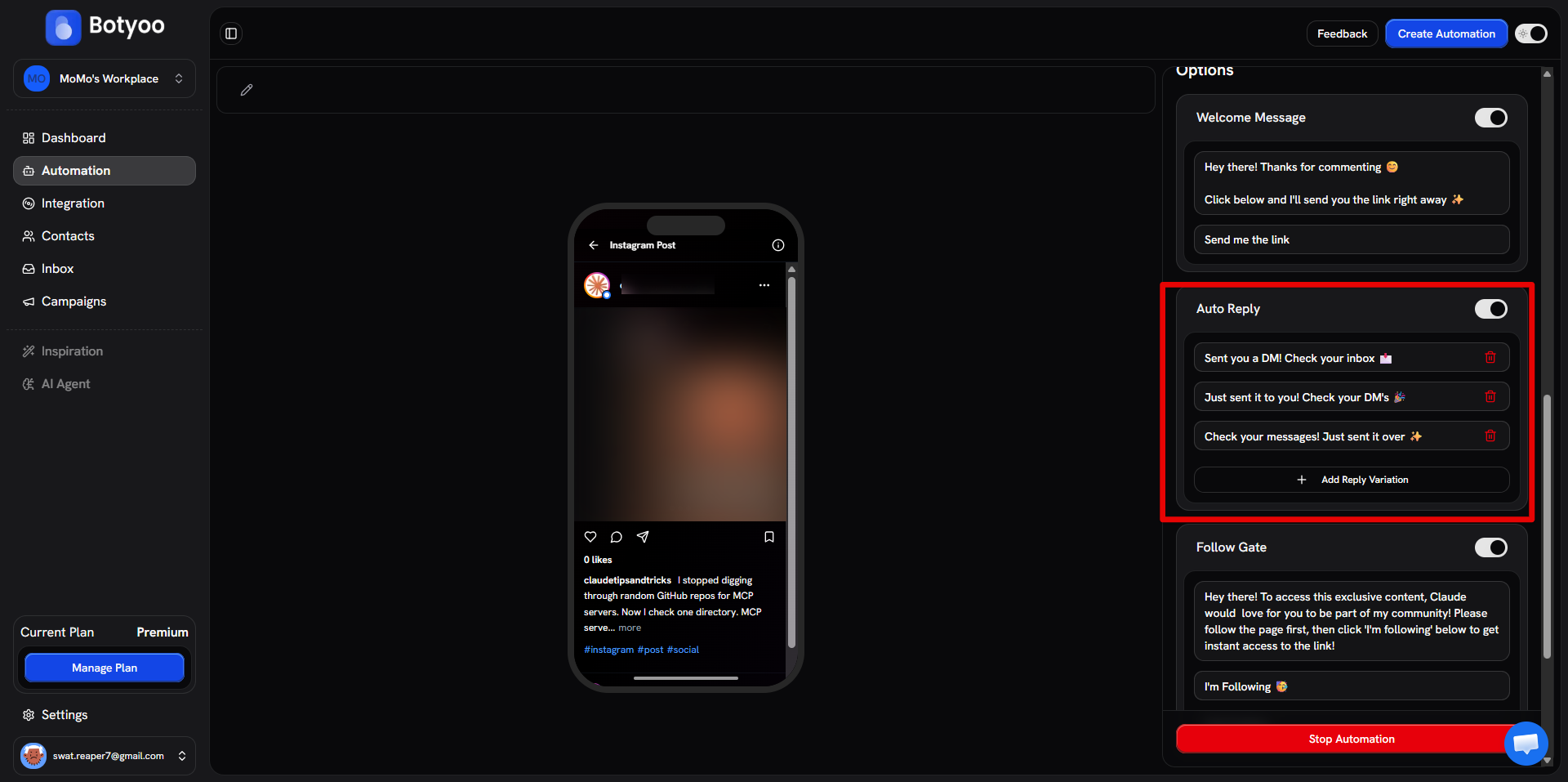
Examples:
- “Sent! Check your DMs 📩”
- “On the way ✨”
- “Check your DMs 👀”
- “DM’d you the link 🔗“
Step 4: Save and activate
Each new comment triggers a public reply from your variations list, in addition to the DM.
How rotation works
Botyoo cycles through your variations in order. If you have 4 variations and 12 comments, each variation is used 3 times across the batch.
What’s next
Was this article helpful?