

How to connect Instagram
Connect your Business or Creator Instagram account through Meta's official OAuth.
On this page
How to connect Instagram
Botyoo needs Instagram permissions to read comments and send DMs. The connection happens entirely through Meta’s official OAuth, Botyoo never sees your password.
Before you start
- Your Instagram must be a Business or Creator account
- It must be connected to a Facebook Page
- You must be the admin on that Page
Use a desktop browser. Mobile Safari occasionally drops the OAuth redirect.
Step 1: Open the Integration page
In the Botyoo sidebar, click Integration.
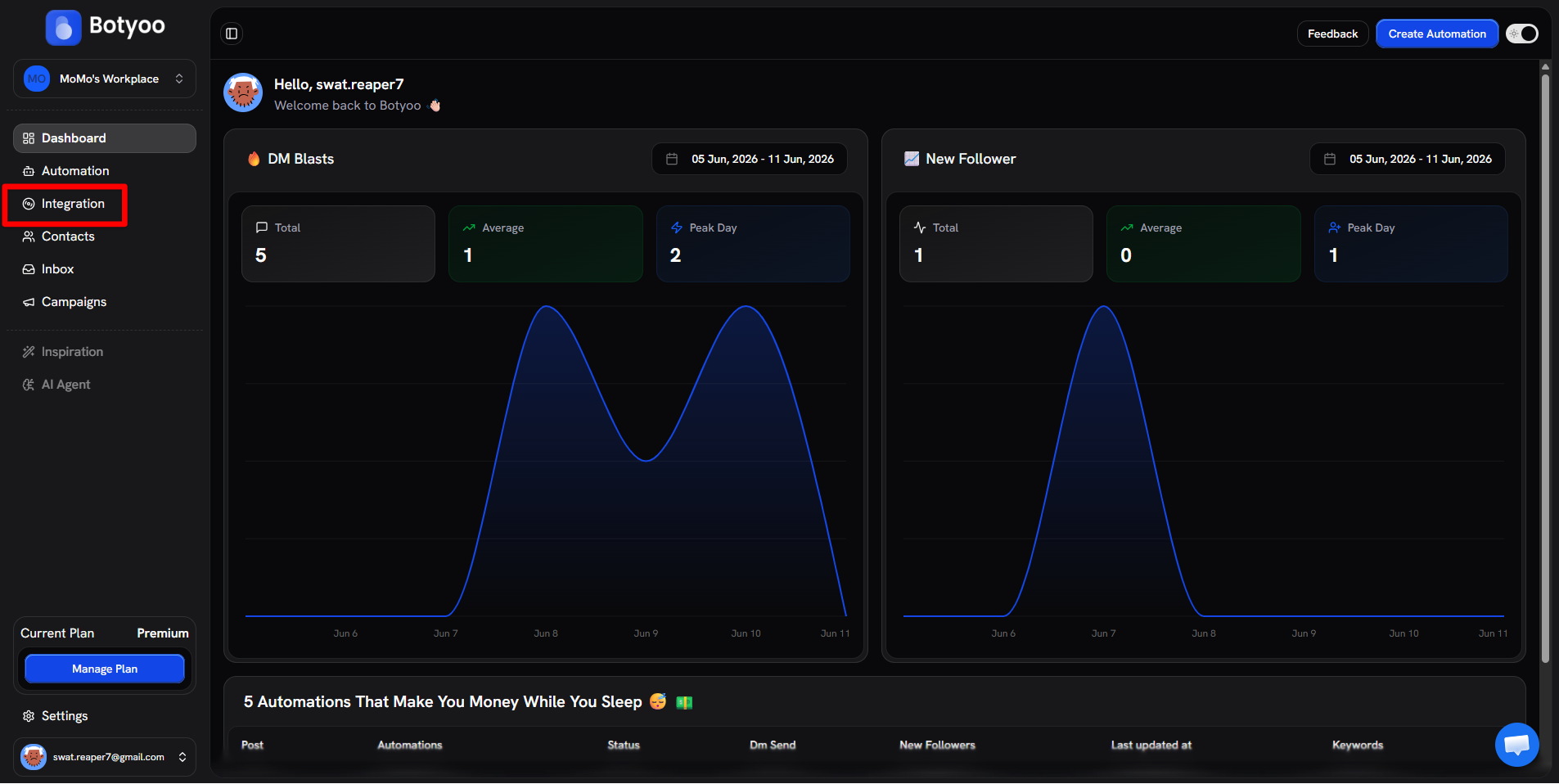
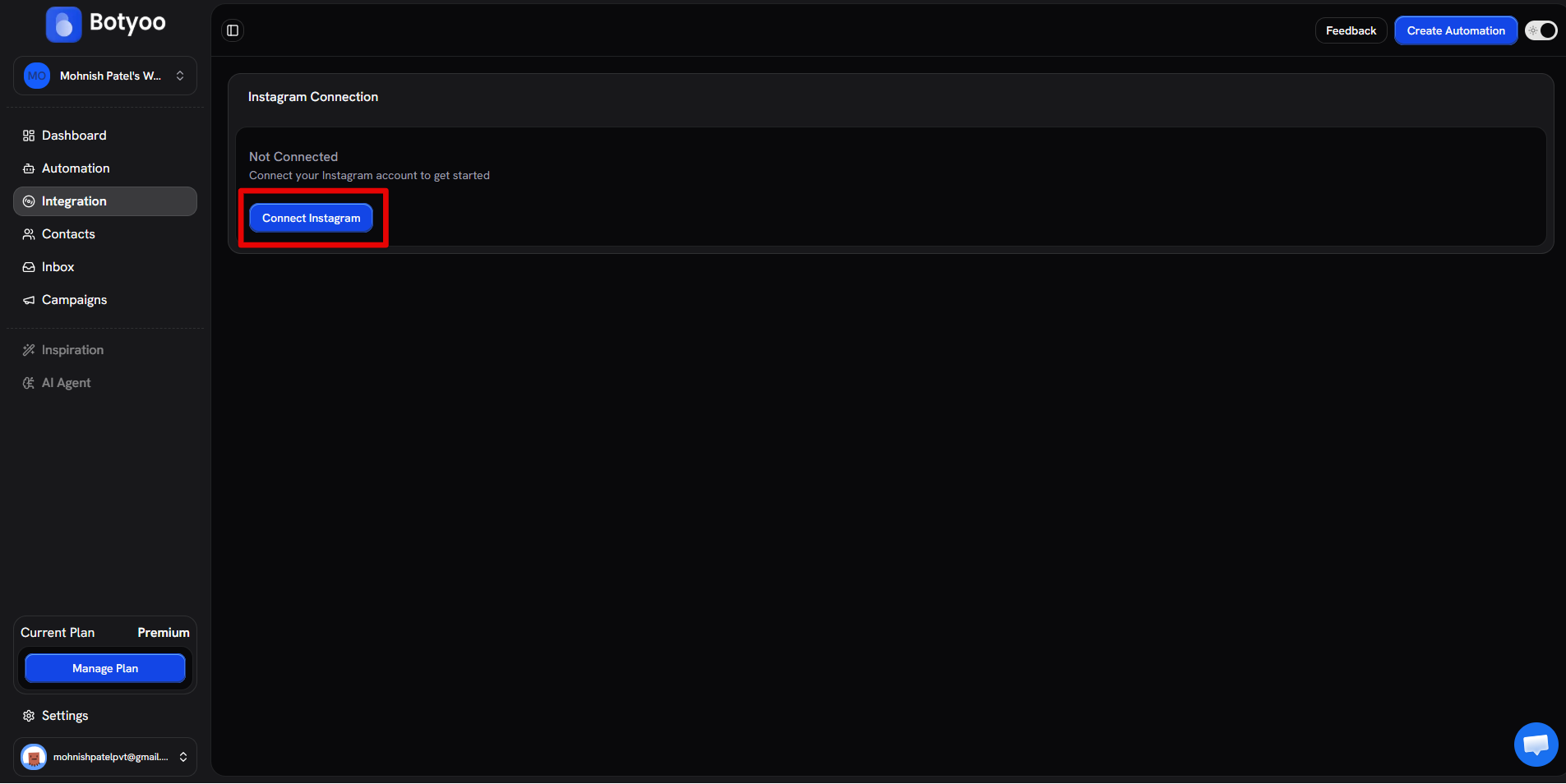
Step 2: Click Connect Instagram
Step 3: Meta authorization
You’re redirected to Meta. On the page-picker screen, select the Facebook Page connected to the Instagram account you want to automate, then confirm the Instagram account underneath it. Click Continue.
If you have multiple Pages, pick the one linked to the correct IG handle, Botyoo will only read DMs and comments on the account you select here.
Step 4: Grant every permission
Meta lists the permissions Botyoo needs. Grant all of them, declining one breaks the flow.
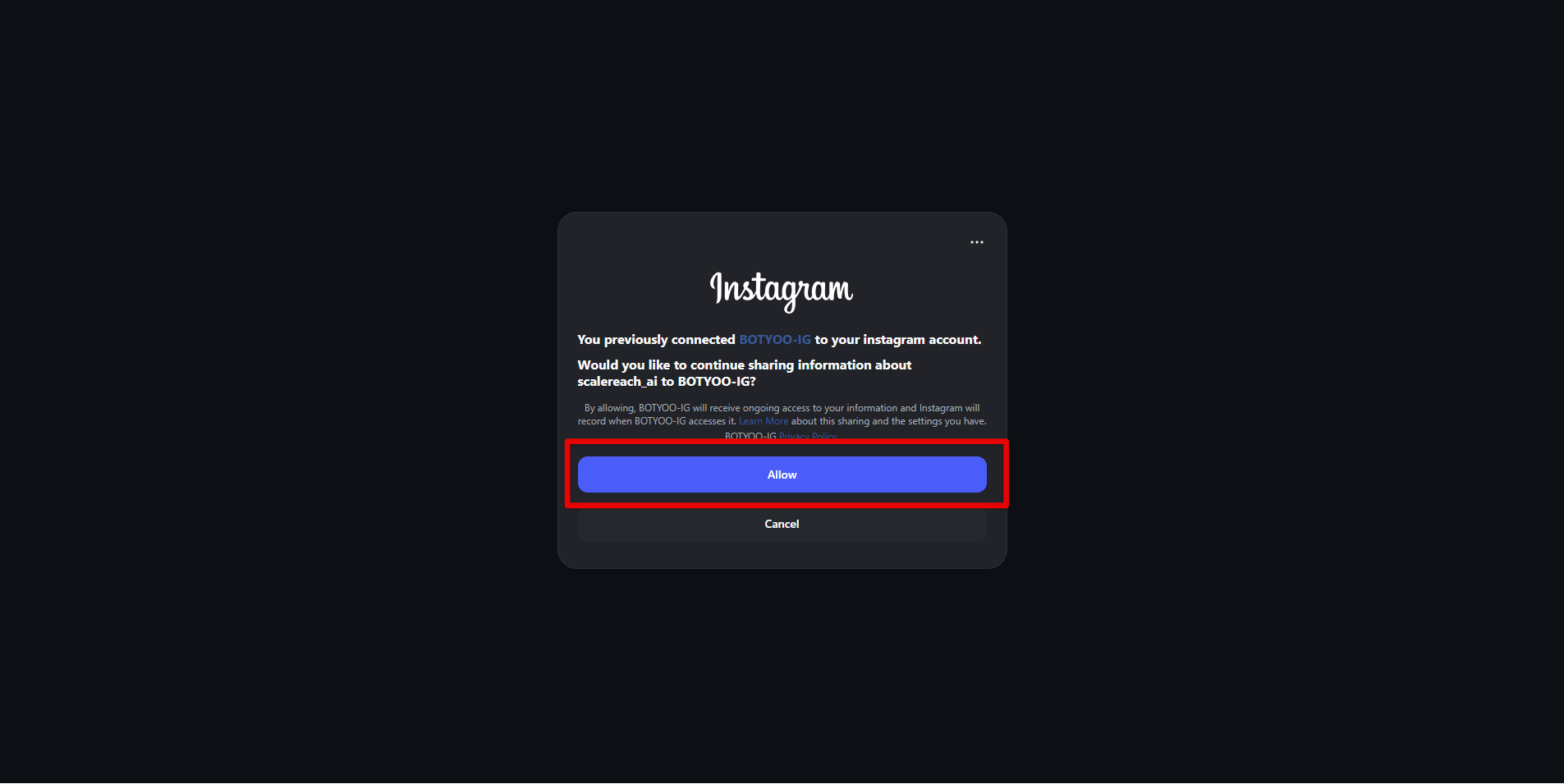
Step 5: Back to Botyoo
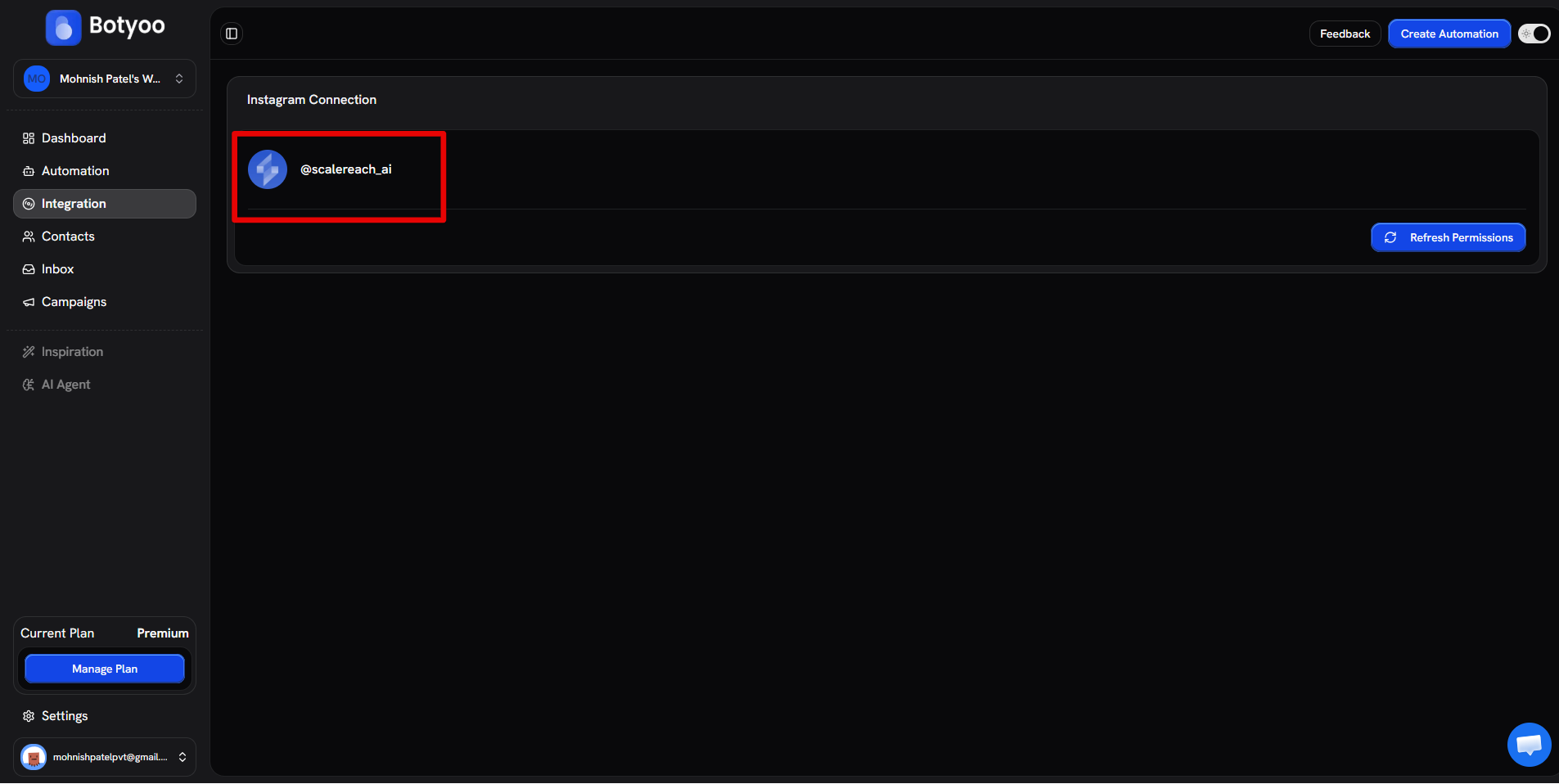
You’re returned to the Integration page. Your account appears with its avatar and handle.
What’s next
Was this article helpful?