

How to manage automations (pause, delete)
Pause, resume, and delete automations from the Automation list.
On this page
How to manage automations
The Automation list shows every automation in your workspace. From there you can pause, resume, or delete.
The Automation list
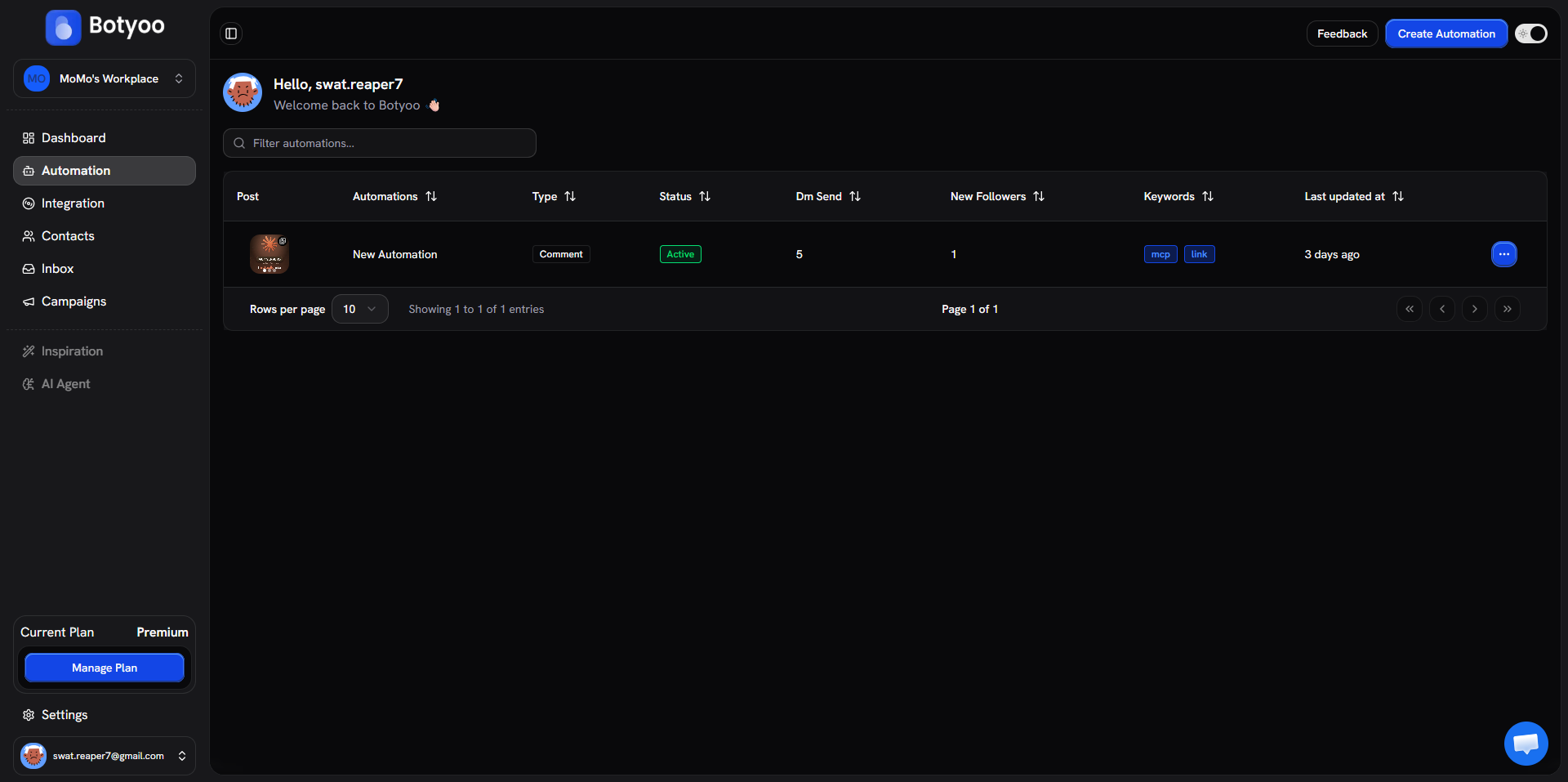
Click Automation in the sidebar. Each row shows post thumbnail, name, type, status, DM sends, new followers, keywords, and last updated.
Pause / resume
Open the row’s ⋯ action menu and pick Pause. The automation status becomes Paused, settings preserved, no new triggers process.
To resume, open the menu again and click Activate. The status flips back to Active.
Delete
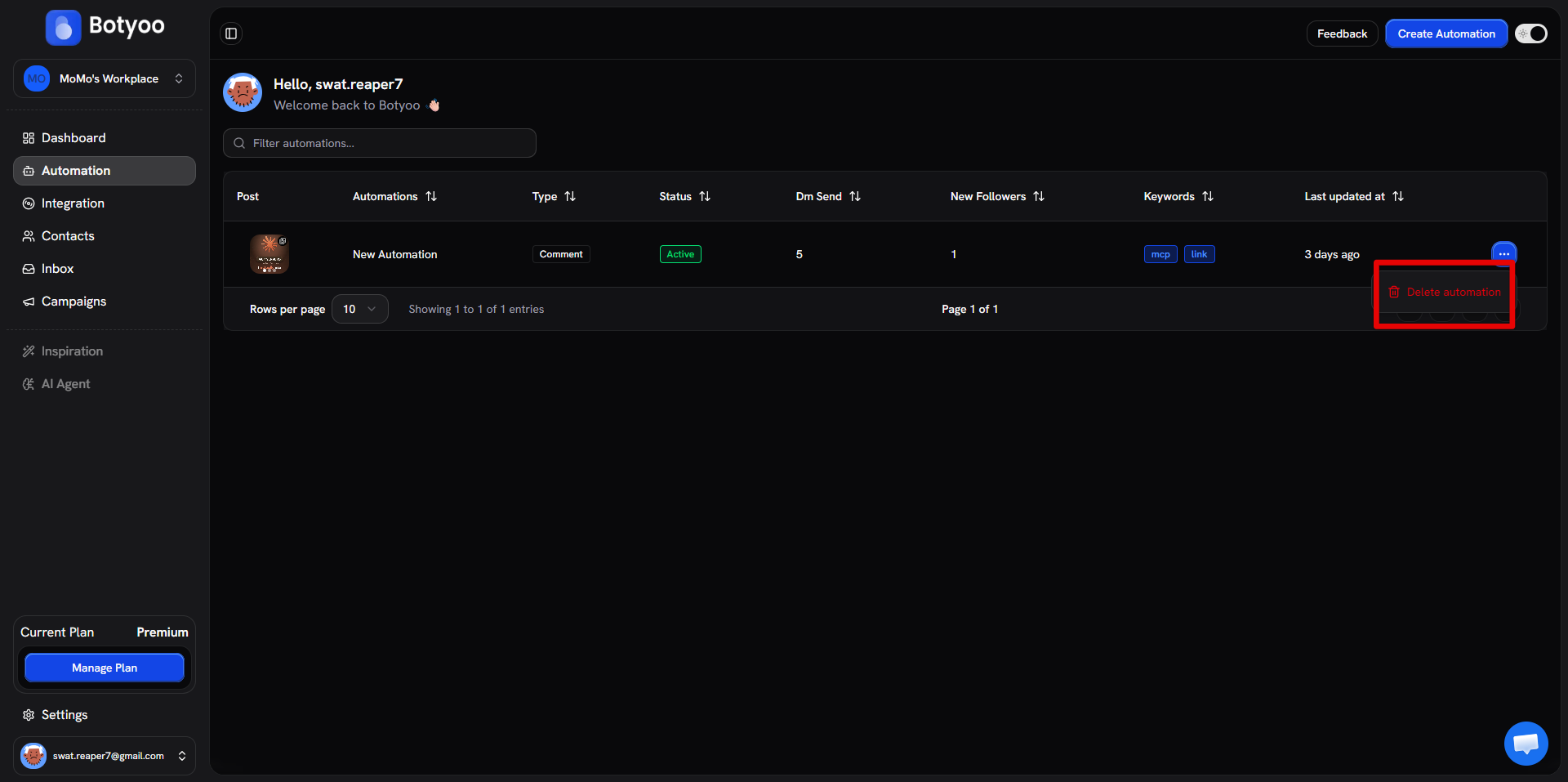
From the ⋯ menu, pick Delete. A confirmation dialog appears.
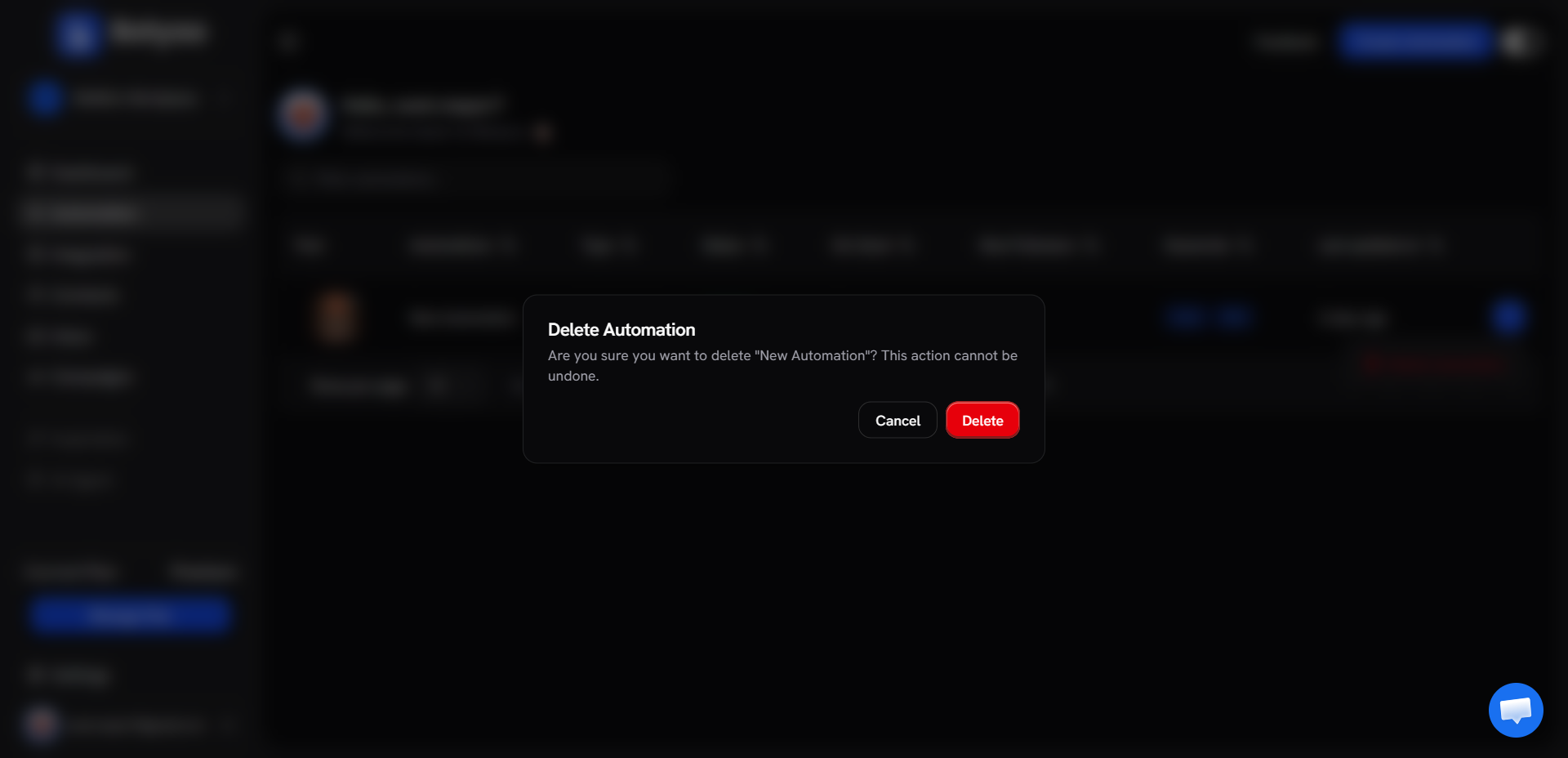
Deletion is permanent. Captured contacts stay in the Contacts page (they were captured by this automation but aren’t lost), but the automation itself, its analytics, and its config are gone.
Filter and search
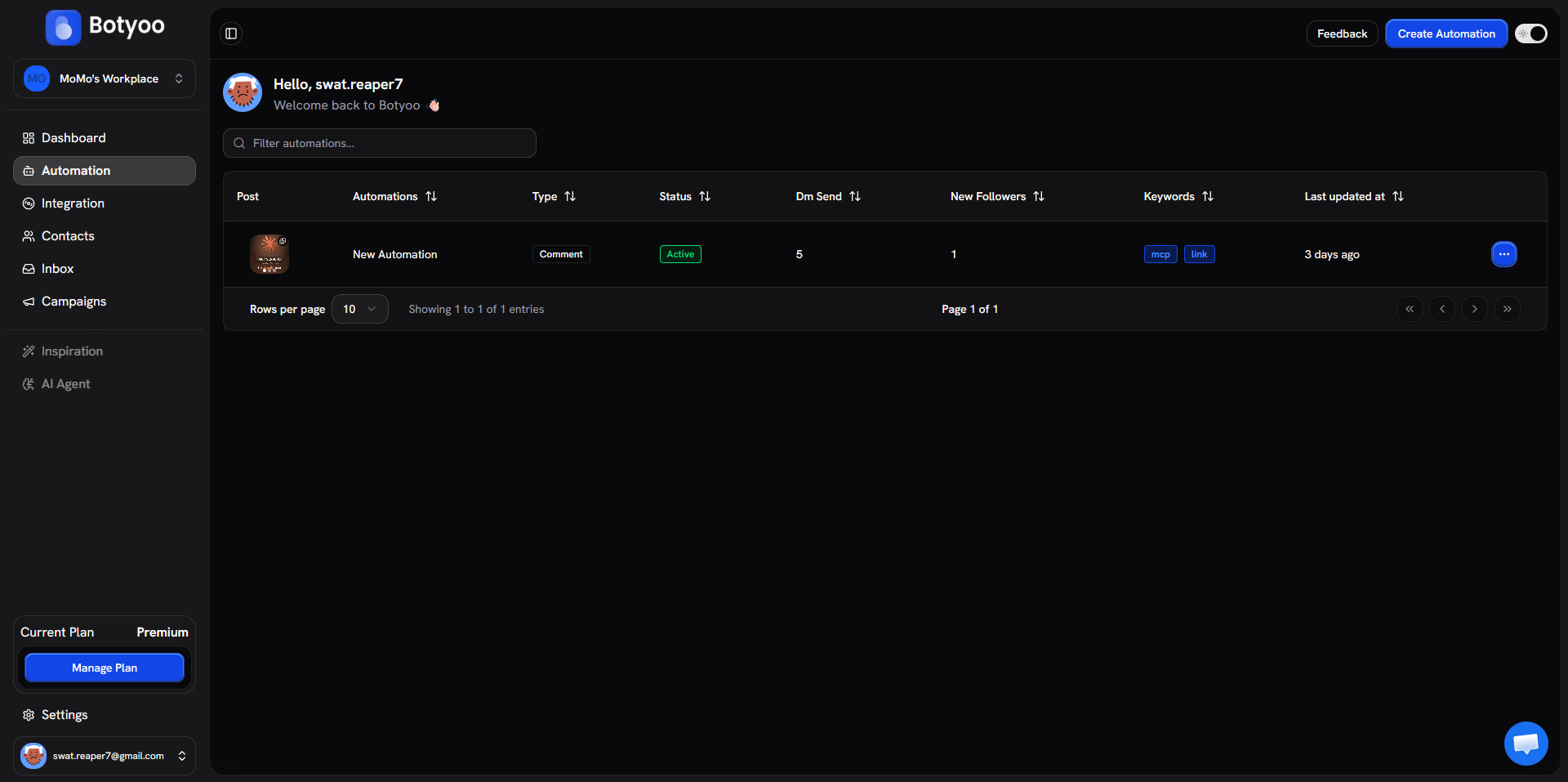
The search bar at the top filters by automation name. Column headers (Type, Status, Last updated) sort the list.
What’s next
Was this article helpful?