

How to reply in the Inbox
Reply to conversations, send media, react with emojis, and close conversations from the shared Inbox.
On this page
How to reply in the Inbox
The Inbox is your shared, real-time view of every Instagram DM. Anyone on your team can reply, react, and tag from one place.
Step 1: Open Inbox
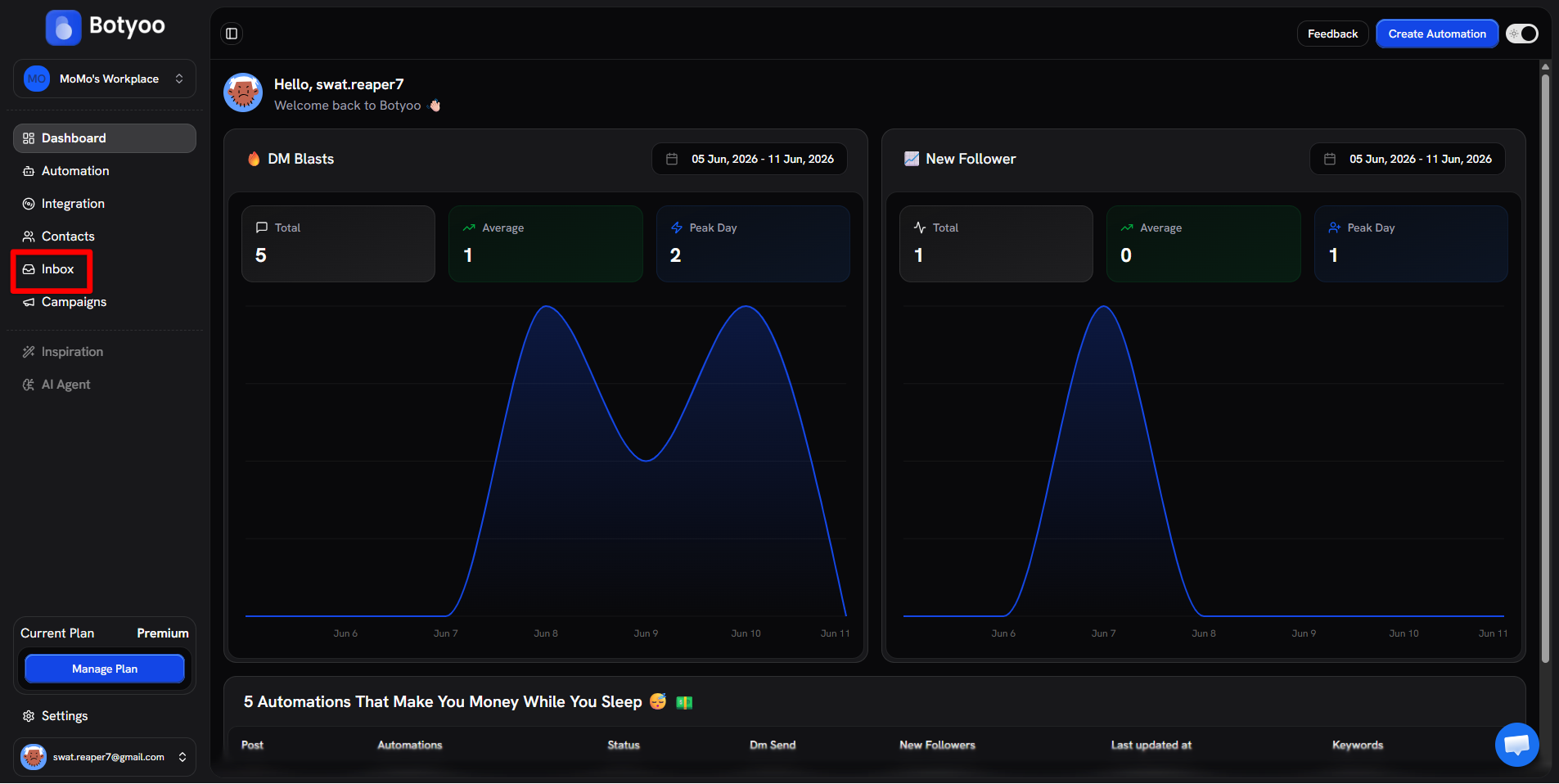
Click Inbox in the sidebar.
Step 2: Pick a conversation
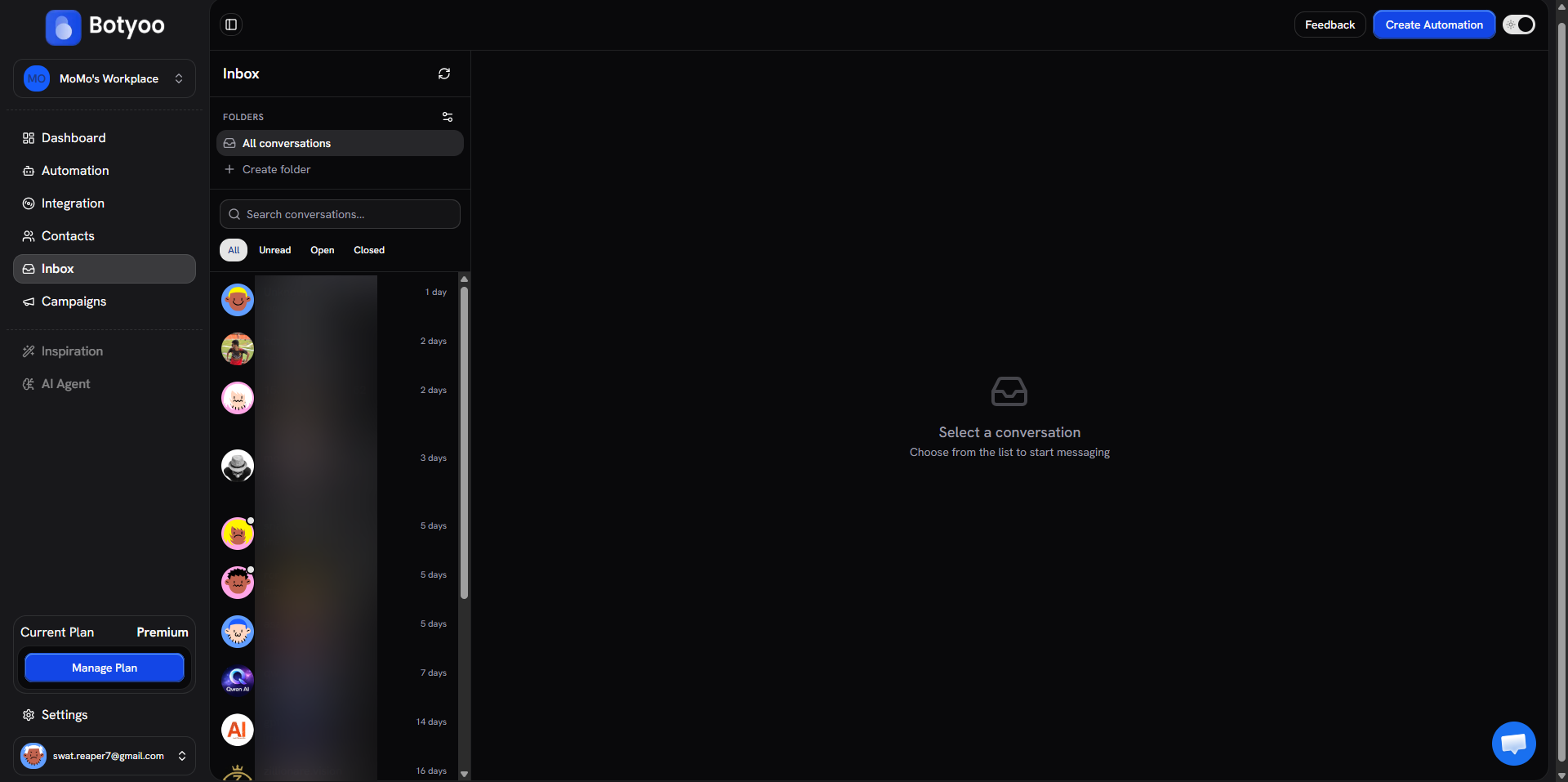
The left rail lists every conversation. Filter by All / Unread / Open / Closed, search, or browse folders. Click any row to open the thread.
Step 3: Reply
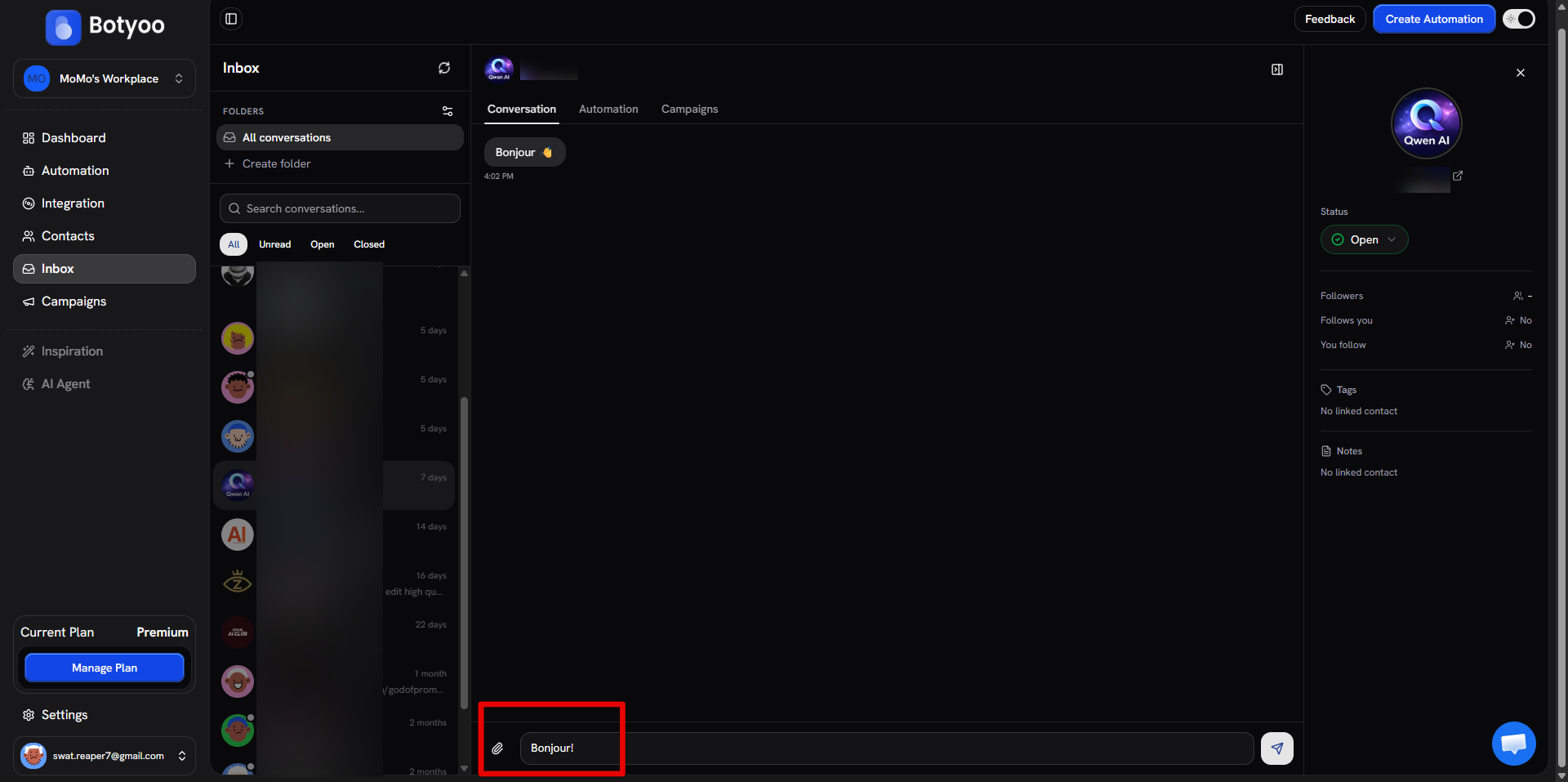
Type into the composer at the bottom of the thread. Hit Enter to send.
Step 4: Send media or react
Click the 📎 paperclip icon to the left of the composer. Your operating system’s file picker opens, choose an image, video, or audio file and it uploads straight into the conversation. Hover any message to reveal an emoji react button.
Step 5: Use the contact side-panel
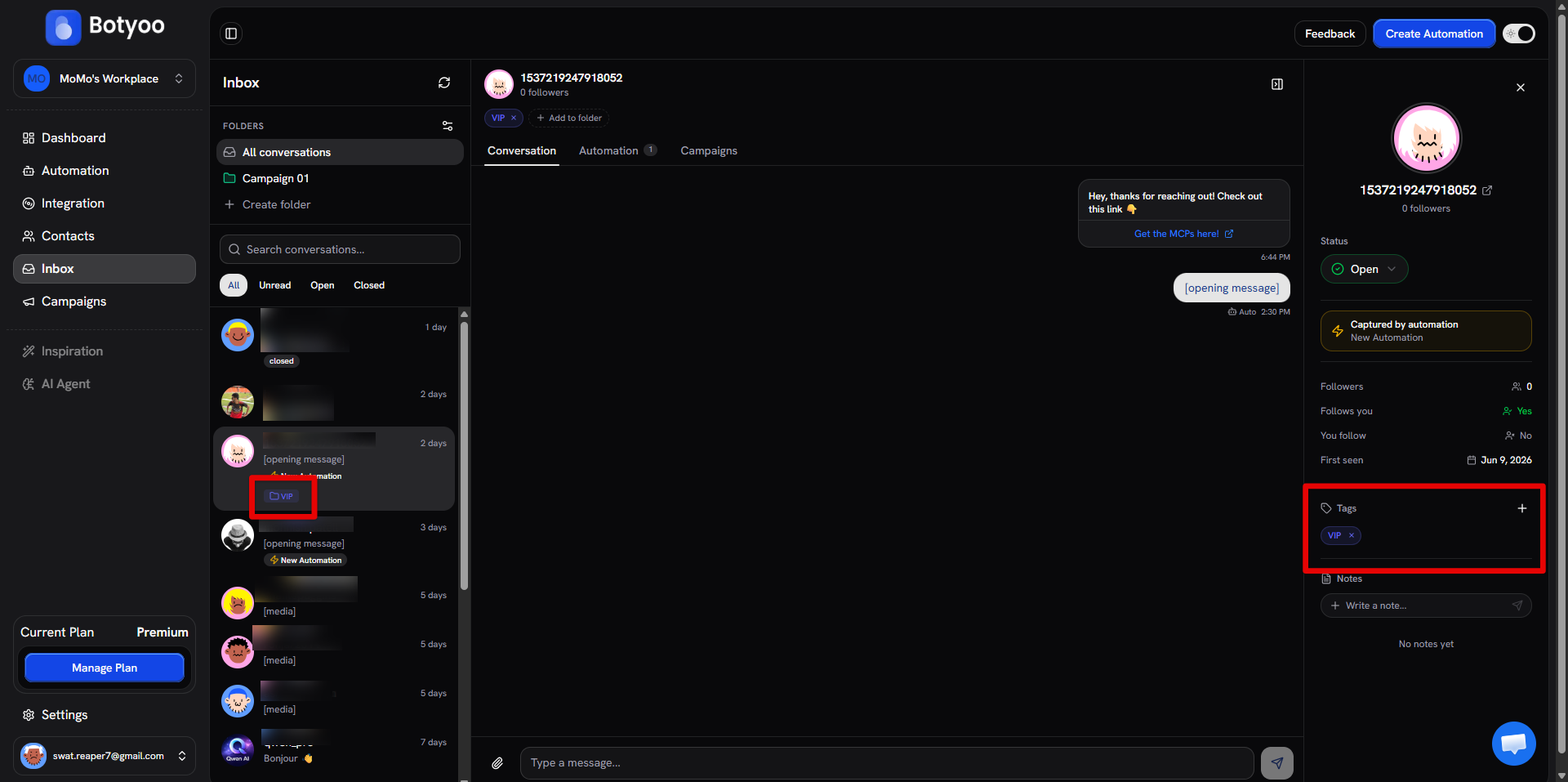
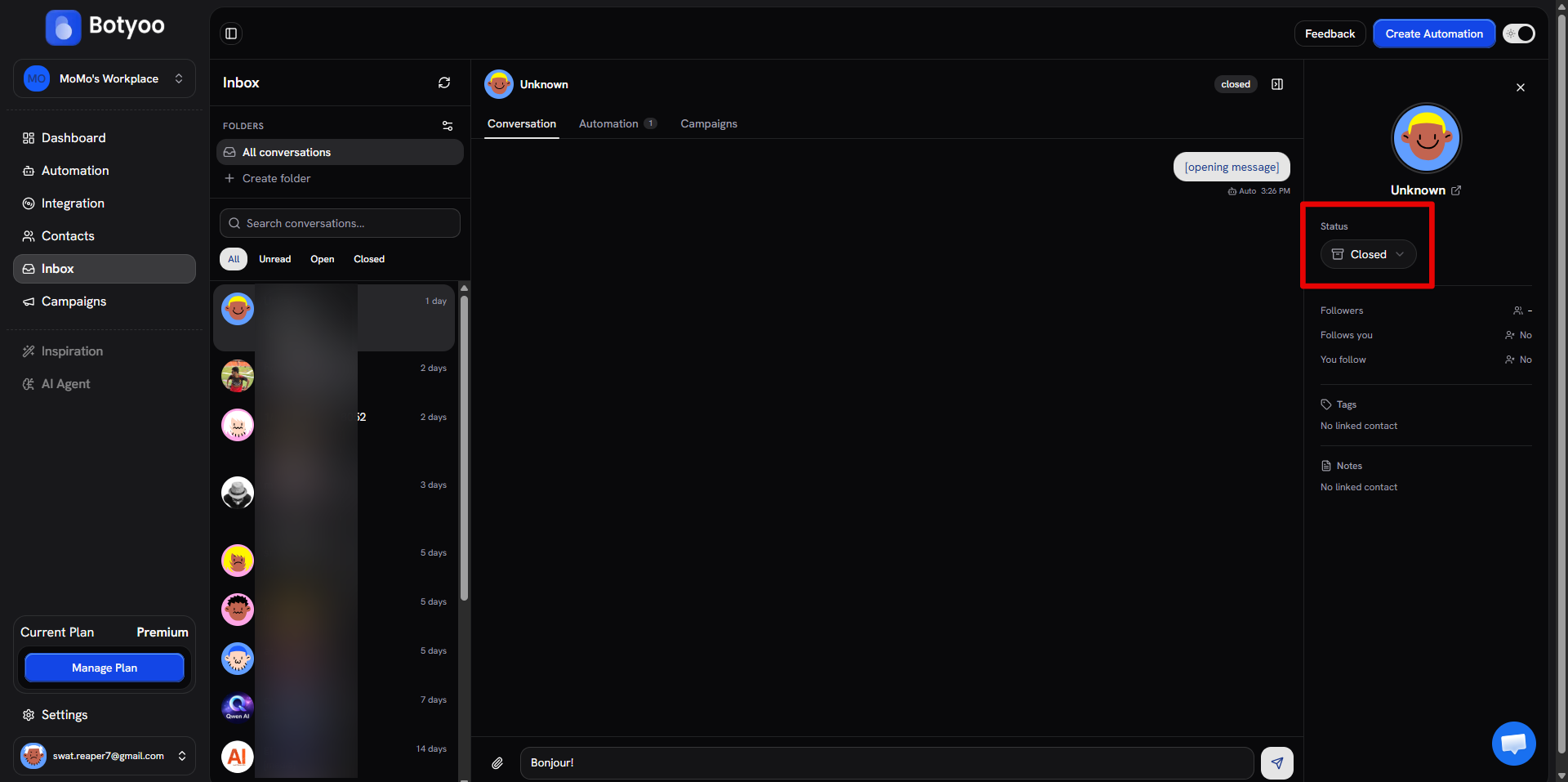
The right panel shows the contact’s avatar, follower counts, the automation that captured them, tags, and notes. Add a note for your team or attach a tag for segmentation.
Step 6: Close the conversation
When you’re done, set Status to Closed in the side-panel. Closed conversations move out of the default view but reopen automatically when the contact sends a new message.
The 24-hour window
Instagram lets you send free-form replies for 24 hours after the contact’s last message. Past that, the composer will warn you and only specific Meta-approved message tags are allowed.
What’s next
Was this article helpful?