

How to create a campaign
Build and send a bulk DM campaign to a filtered audience.
On this page
How to create a campaign
Campaigns are one-shot bulk DMs. Use them for flash sales, restock alerts, webinar reminders, and other time-sensitive messages.
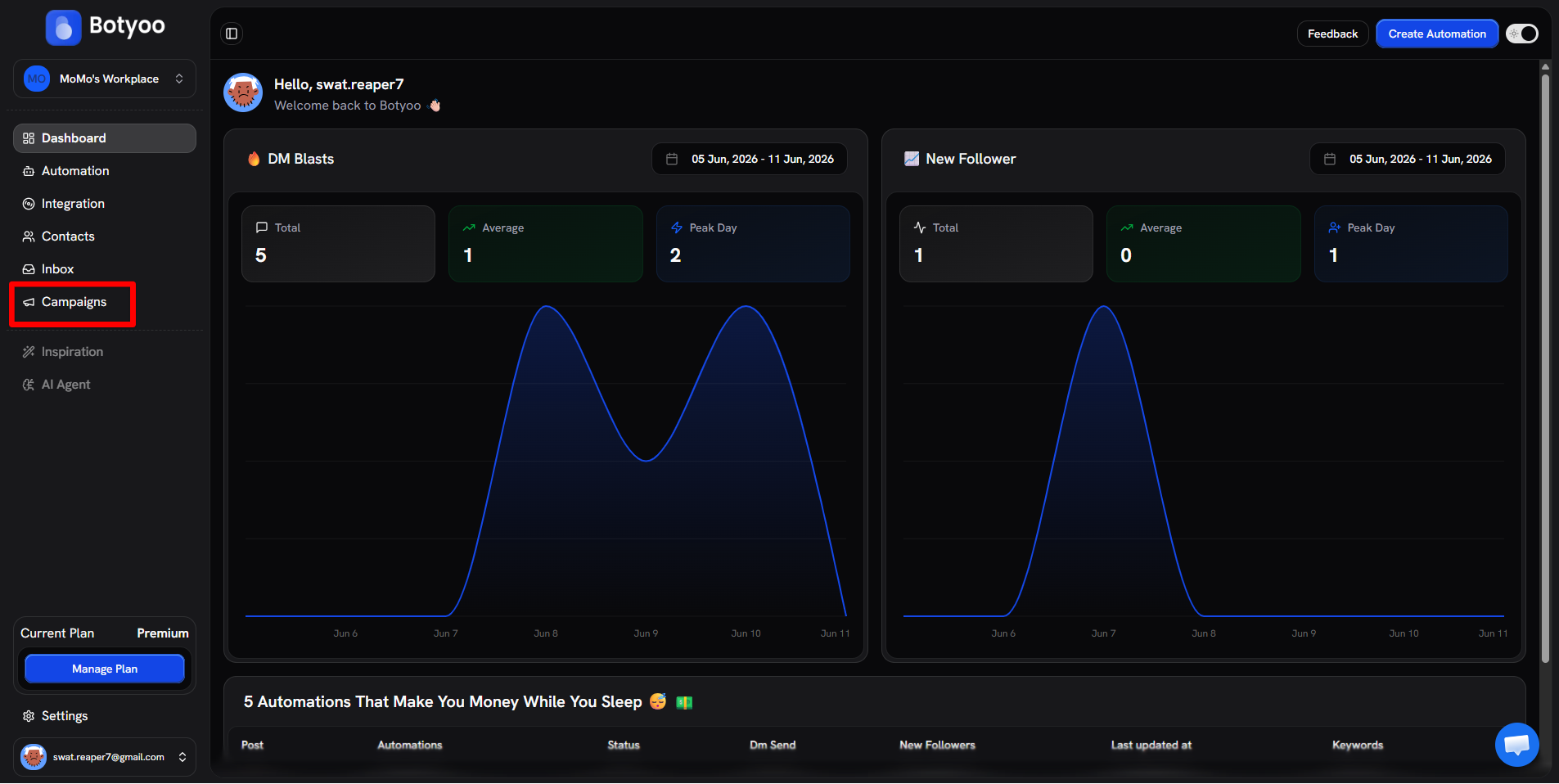
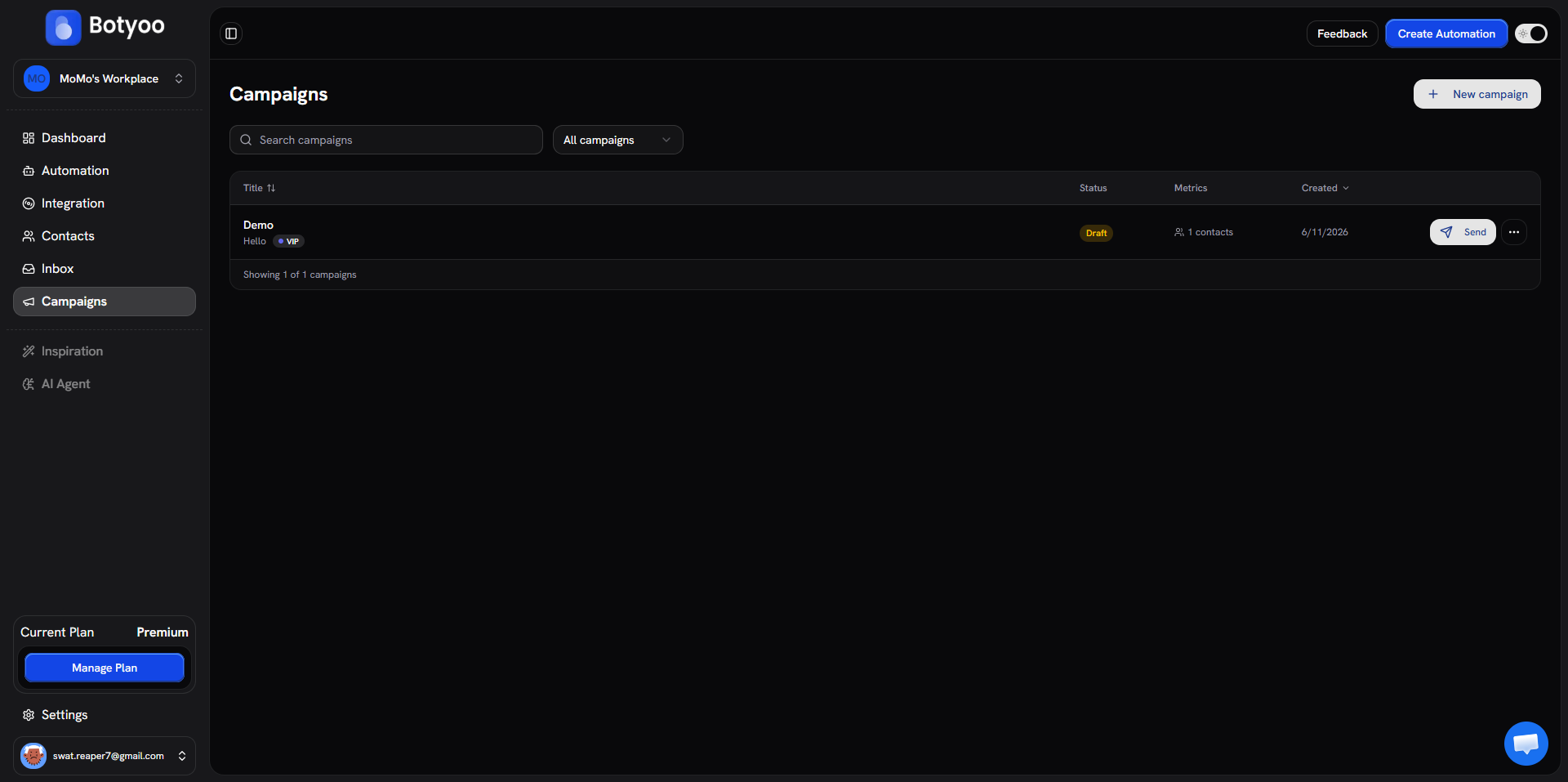
Step 1: Open Campaigns
Click Campaigns in the sidebar.
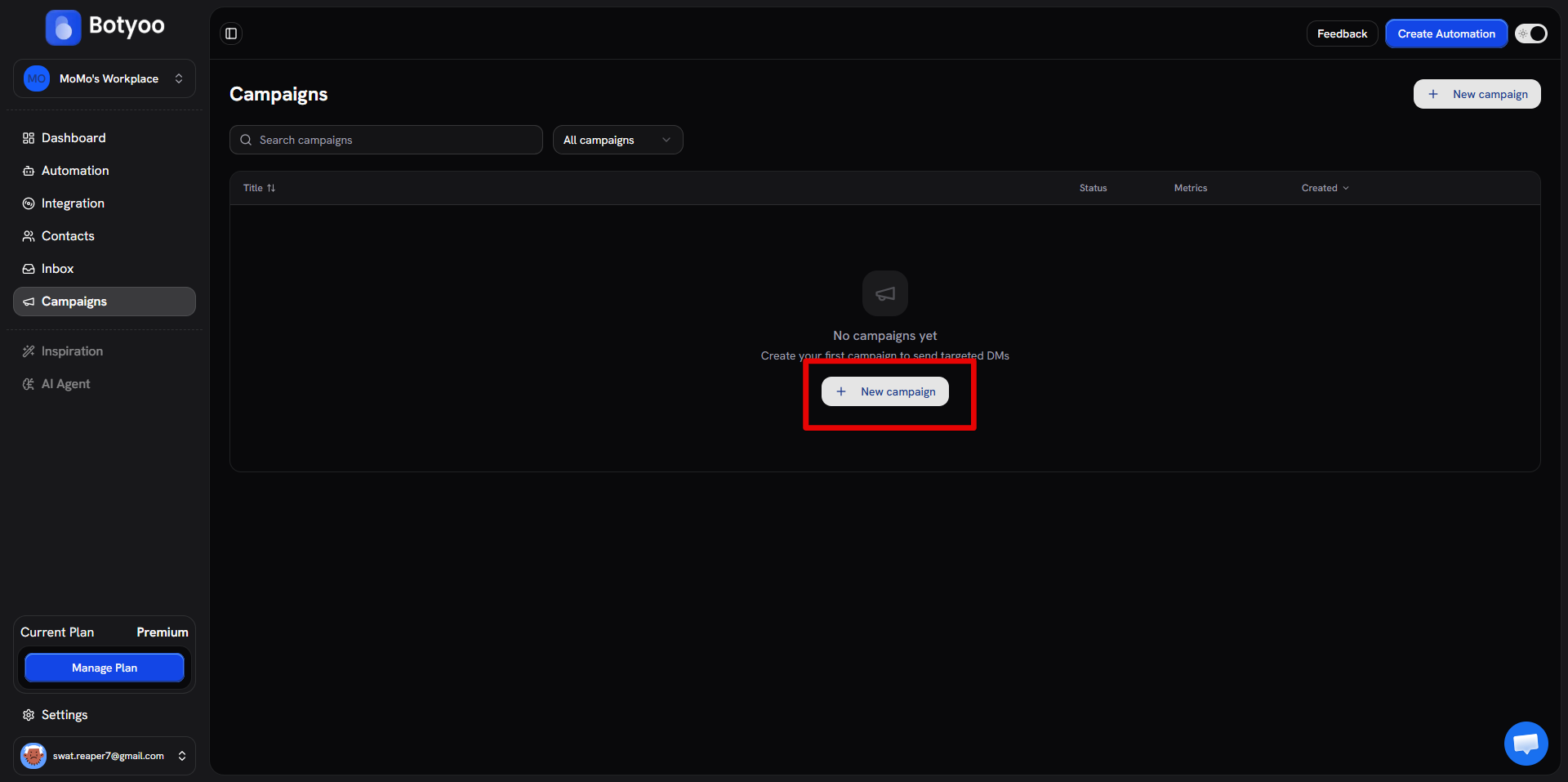
Step 2: Click ”+ New campaign”
Step 3: Name the campaign
Give it a clear name (e.g. “Summer Sale Announcement”). This is for internal tracking.
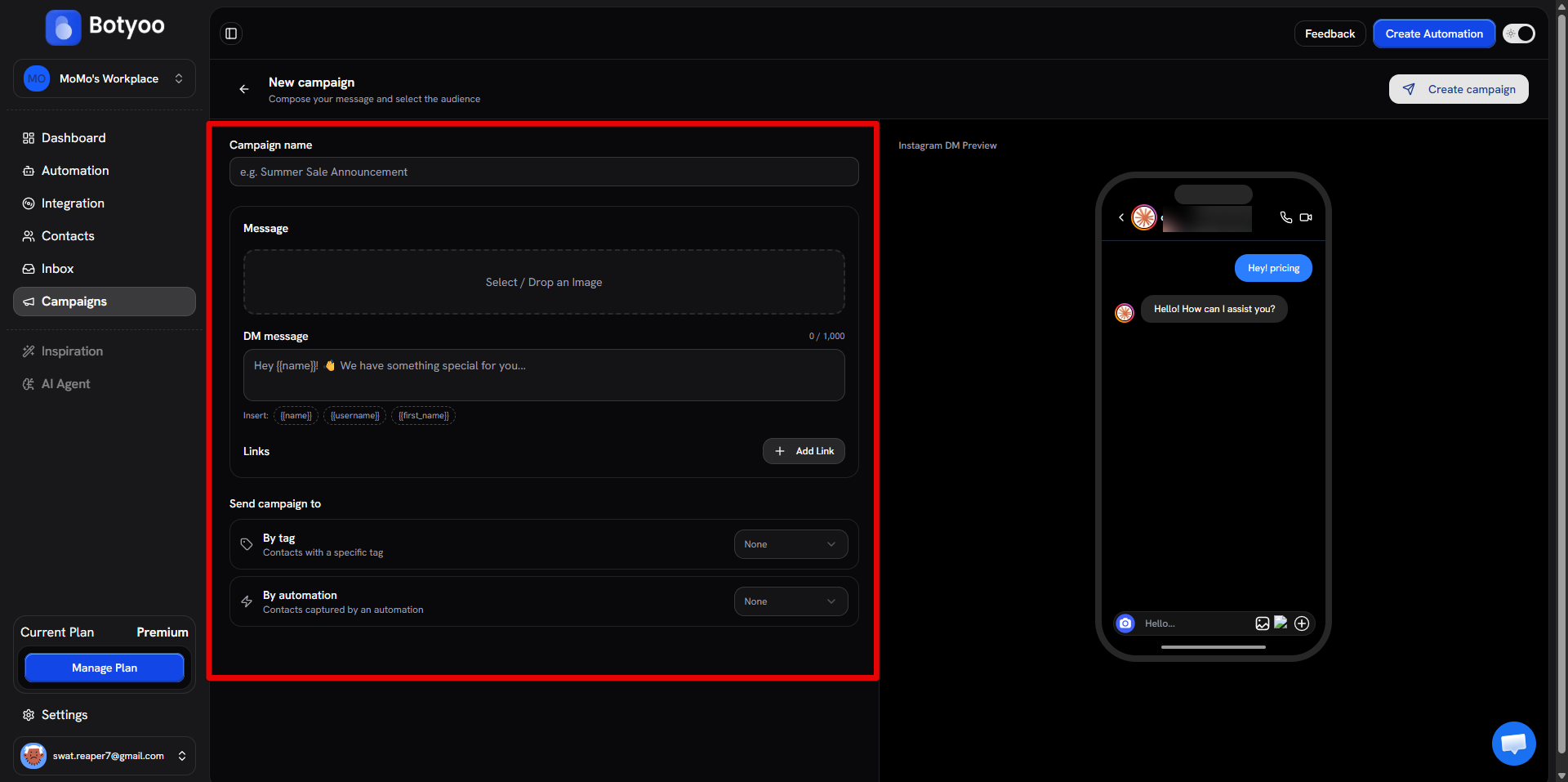
Step 4: Write the DM
In the Message field, write your message. Up to 1,000 characters. Use variable chips ({{name}}, {{username}}, {{first_name}}) to personalize.
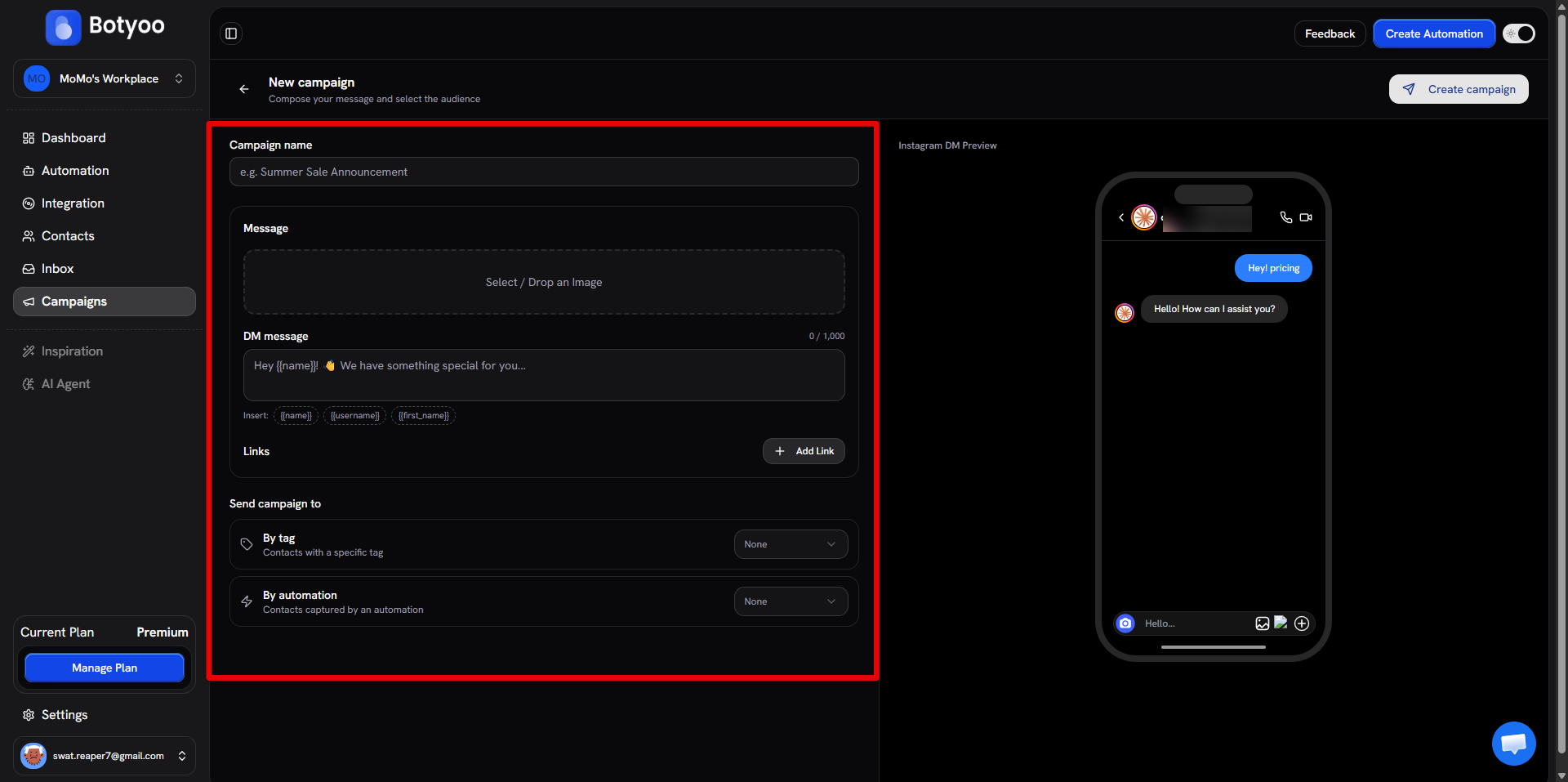
Step 5: Add an image or link (optional)
Drag an image into the upload zone. Click Add Link to insert a clickable URL.
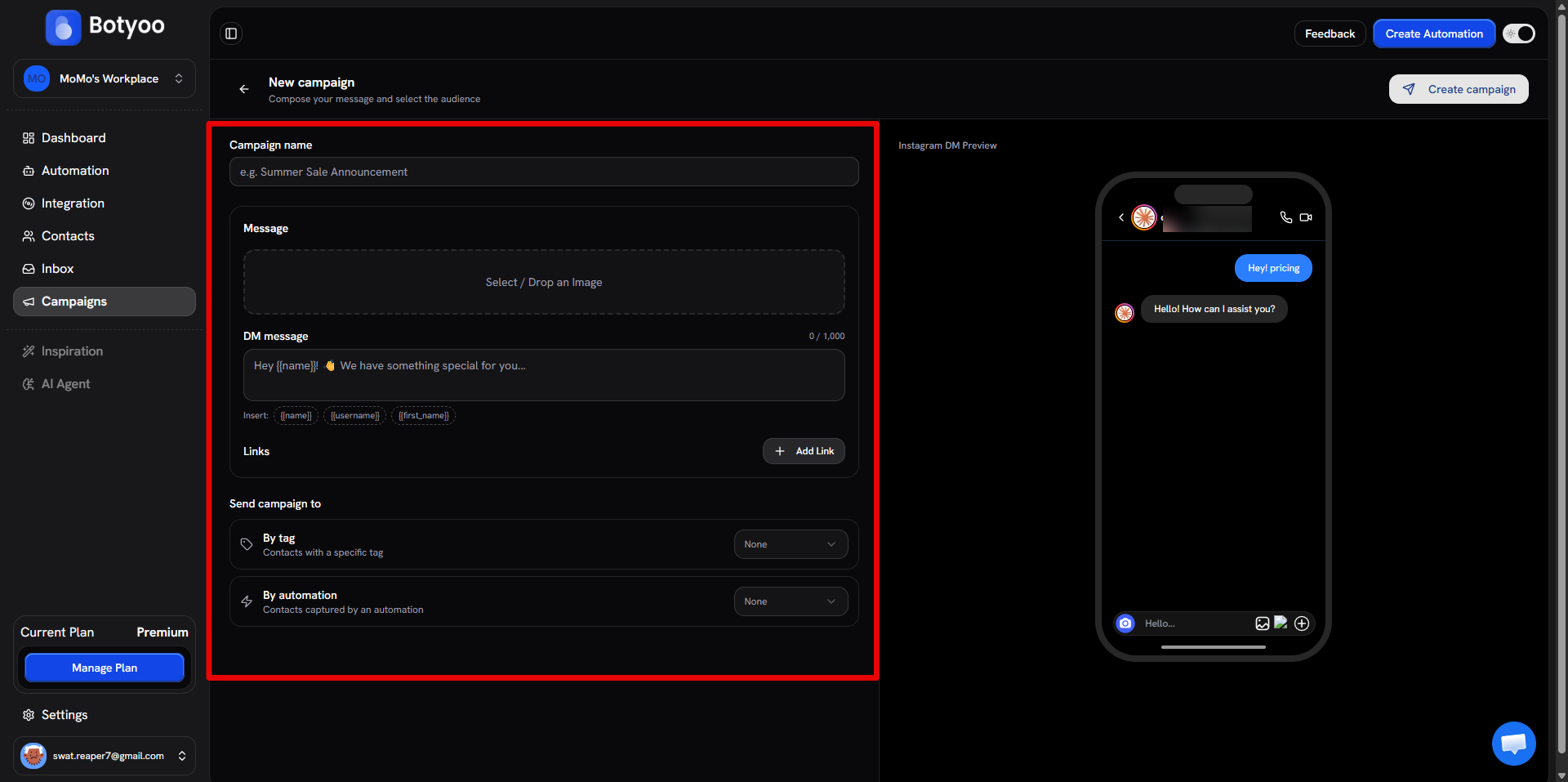
Step 6: Pick the audience
Under Send campaign to, pick By tag, By automation, or both.
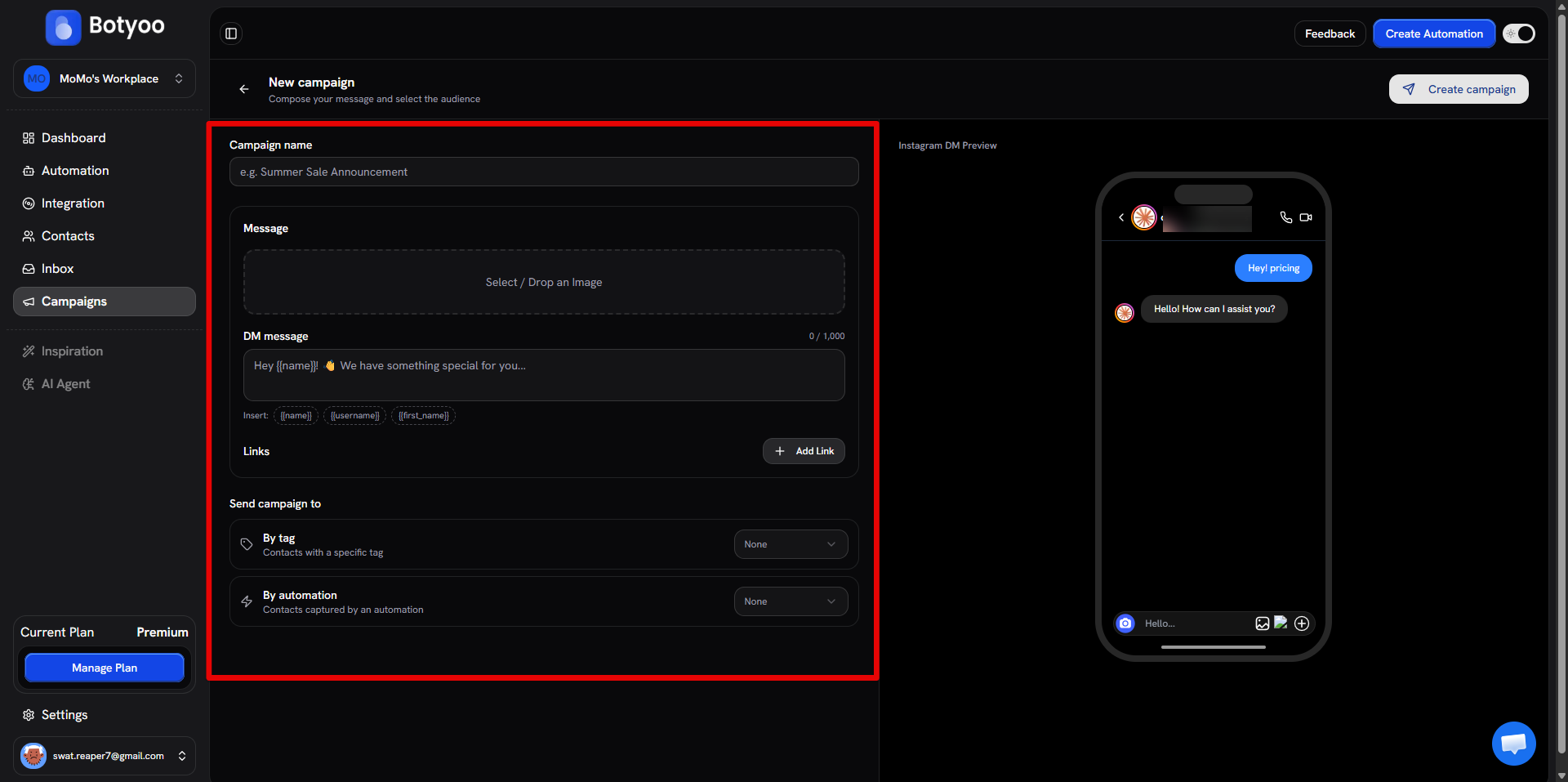
Step 7: Watch the live iPhone preview
The right pane shows an iPhone DM mockup that updates as you type. Use it to sanity-check the final message.
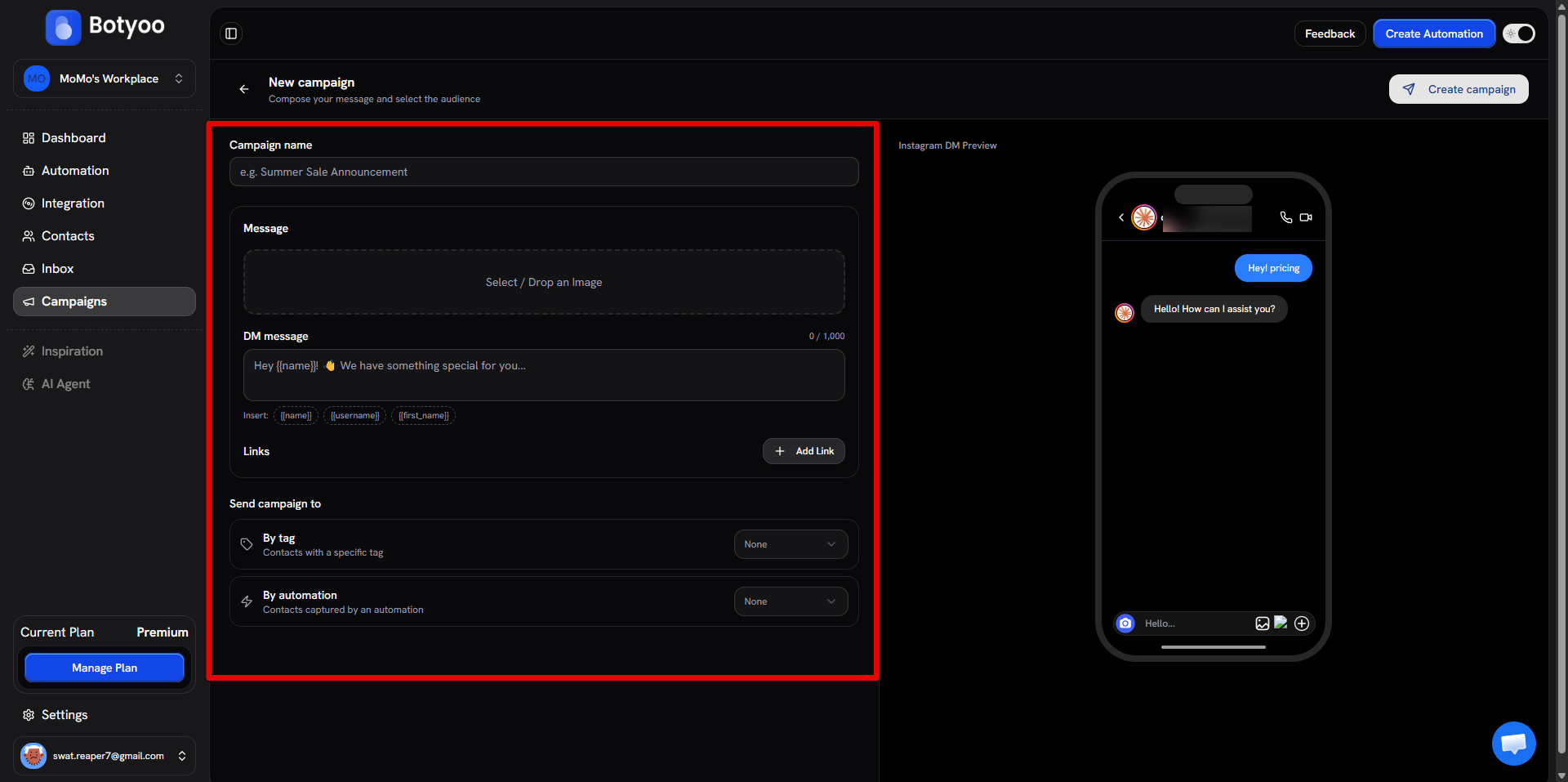
Step 8: Click “Create campaign”
Botyoo queues the sends and starts delivering.
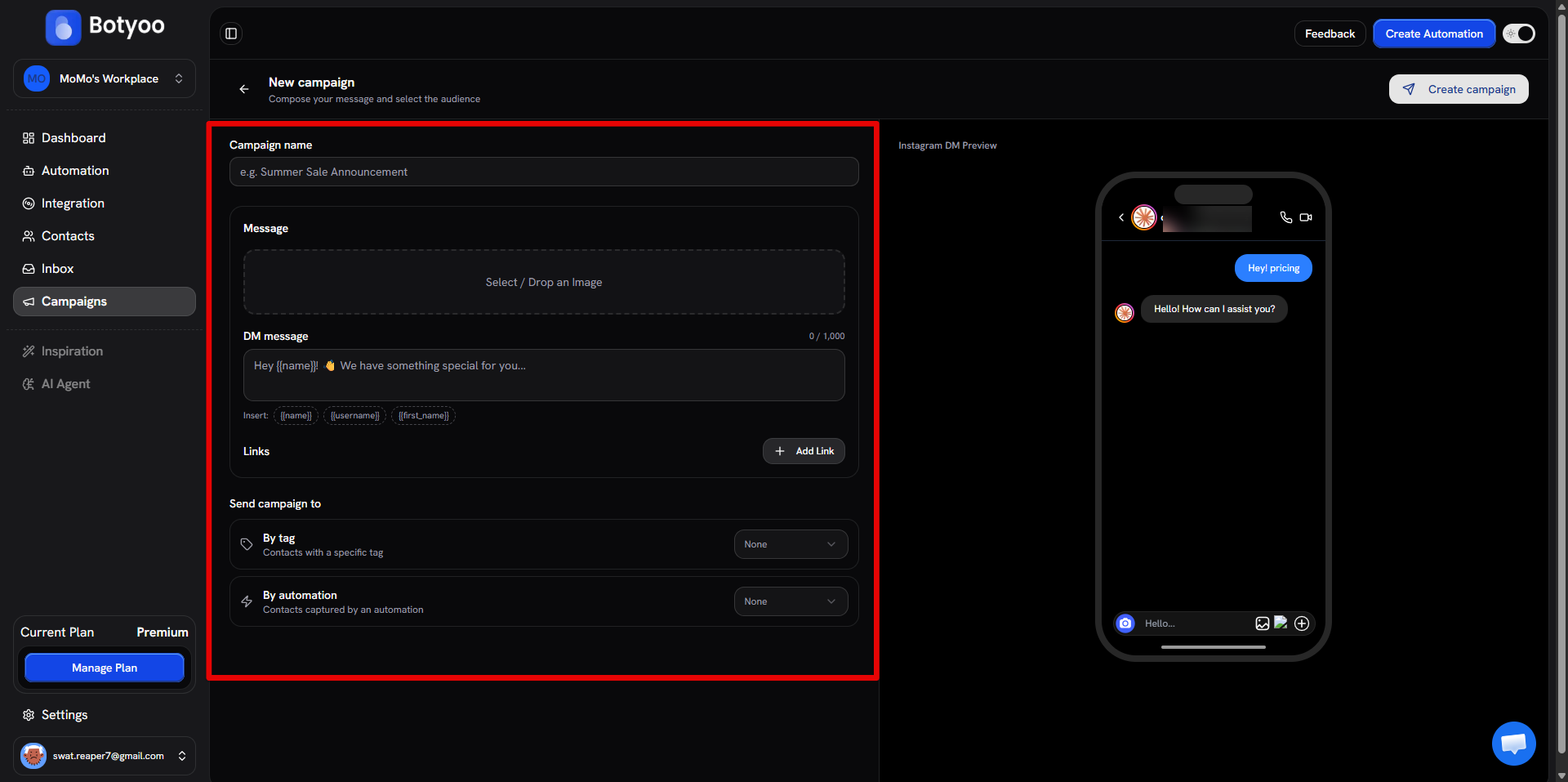
Step 9: Track delivery
The campaign’s row in the list shows Sent / Delivered / Failed counts in real time.
Why some sends fail
The most common cause is Instagram’s 24-hour messaging window: if a contact hasn’t DM’d you in the last 24 hours, the campaign send fails. Build the audience from contacts who recently interacted.
What’s next
Was this article helpful?