

Help Center How-To Guides
How to add follow-up messages
Nudge non-clickers with delayed follow-up messages after the first DM.
On this page
How to add follow-up messages
Follow-ups send extra DMs on a delay, typically a reminder at 1 day and a “last chance” at 3 days.
Step 1: Open the automation
Scroll to the Follow-ups section at the bottom of an Instant Automation.
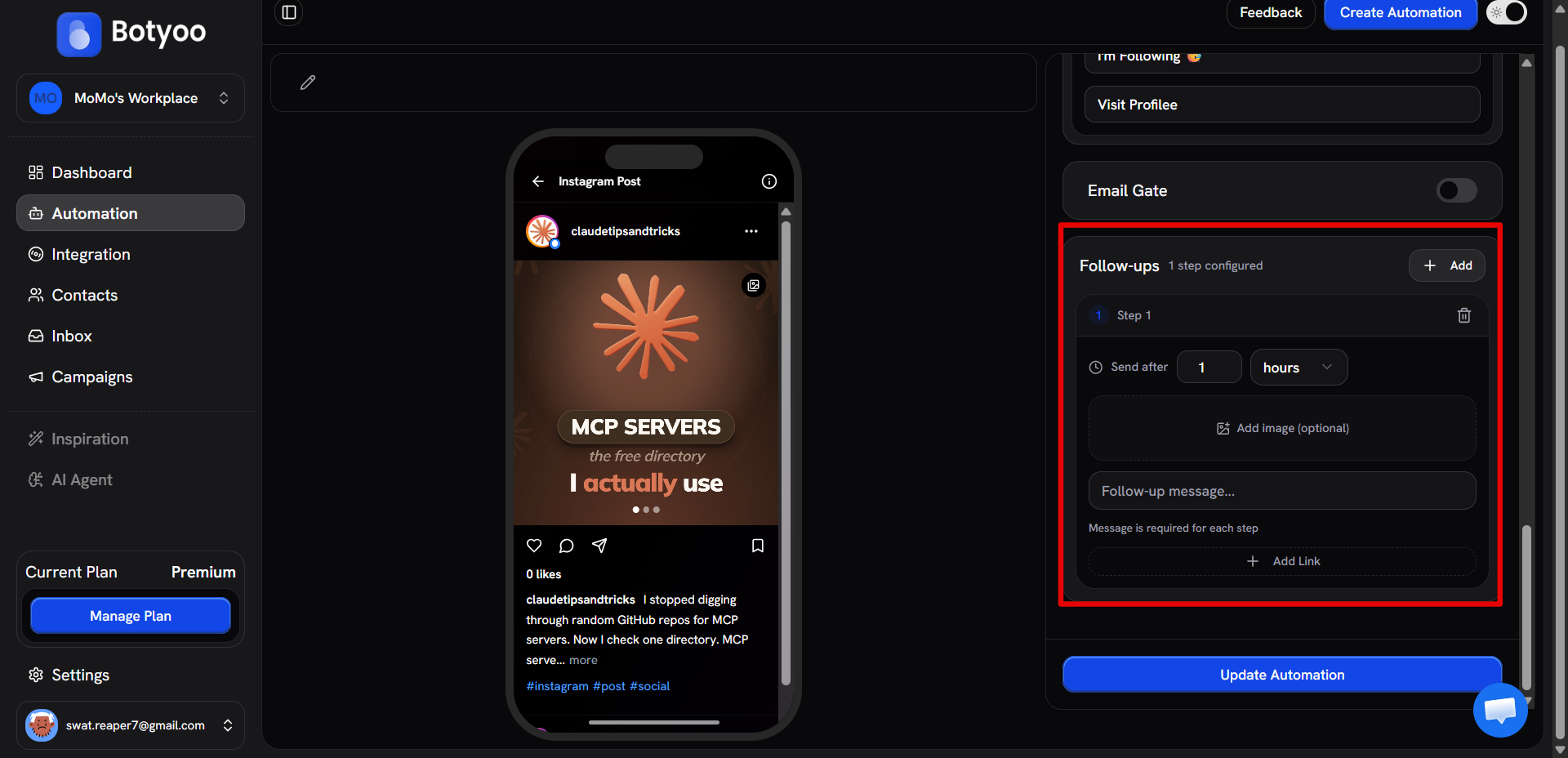
Step 2: Click “Add follow-up”
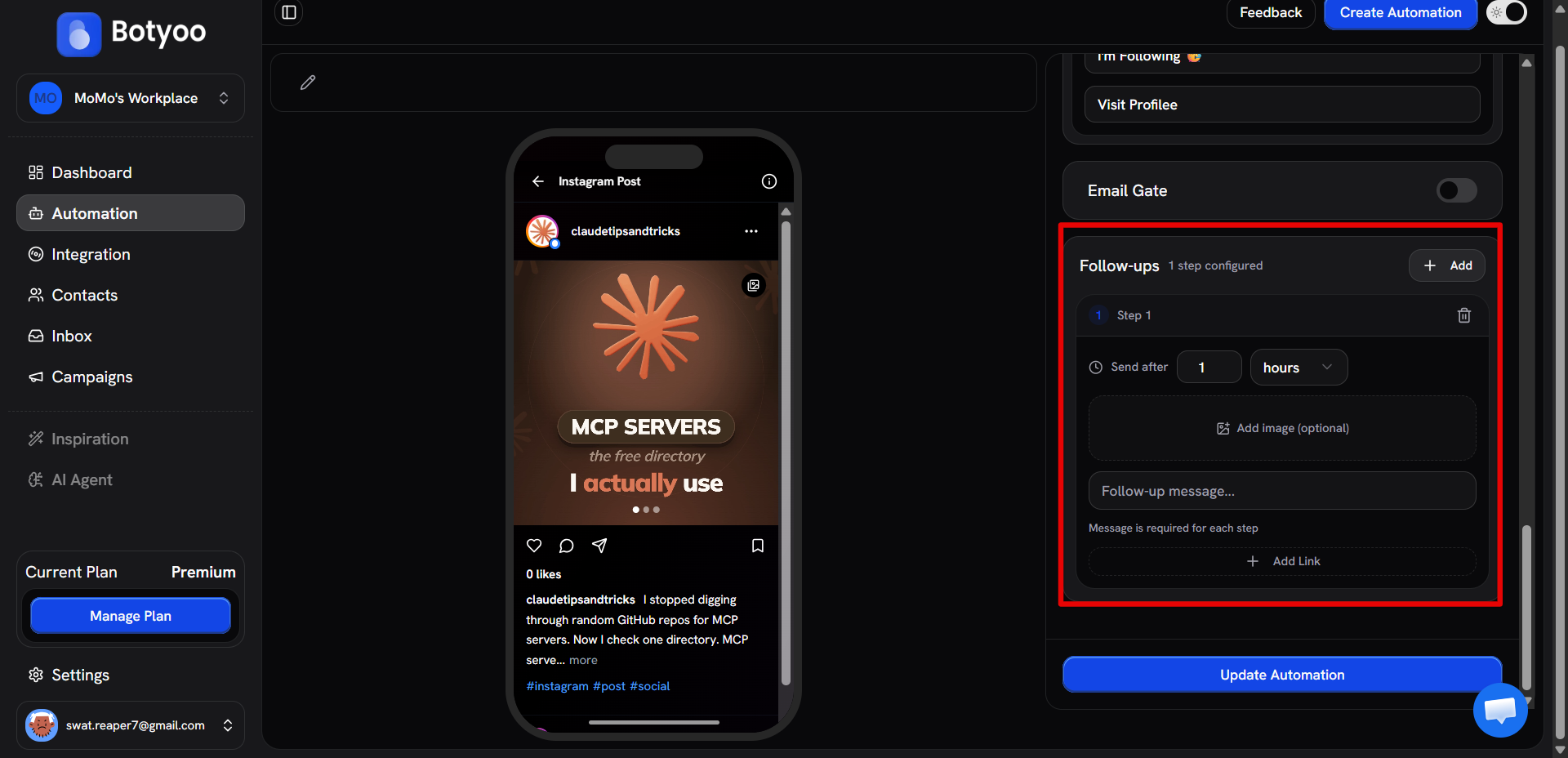
Step 3: Set the delay
Pick a number and a unit (minutes, hours, or days). Botyoo waits exactly that long after the first DM before sending.
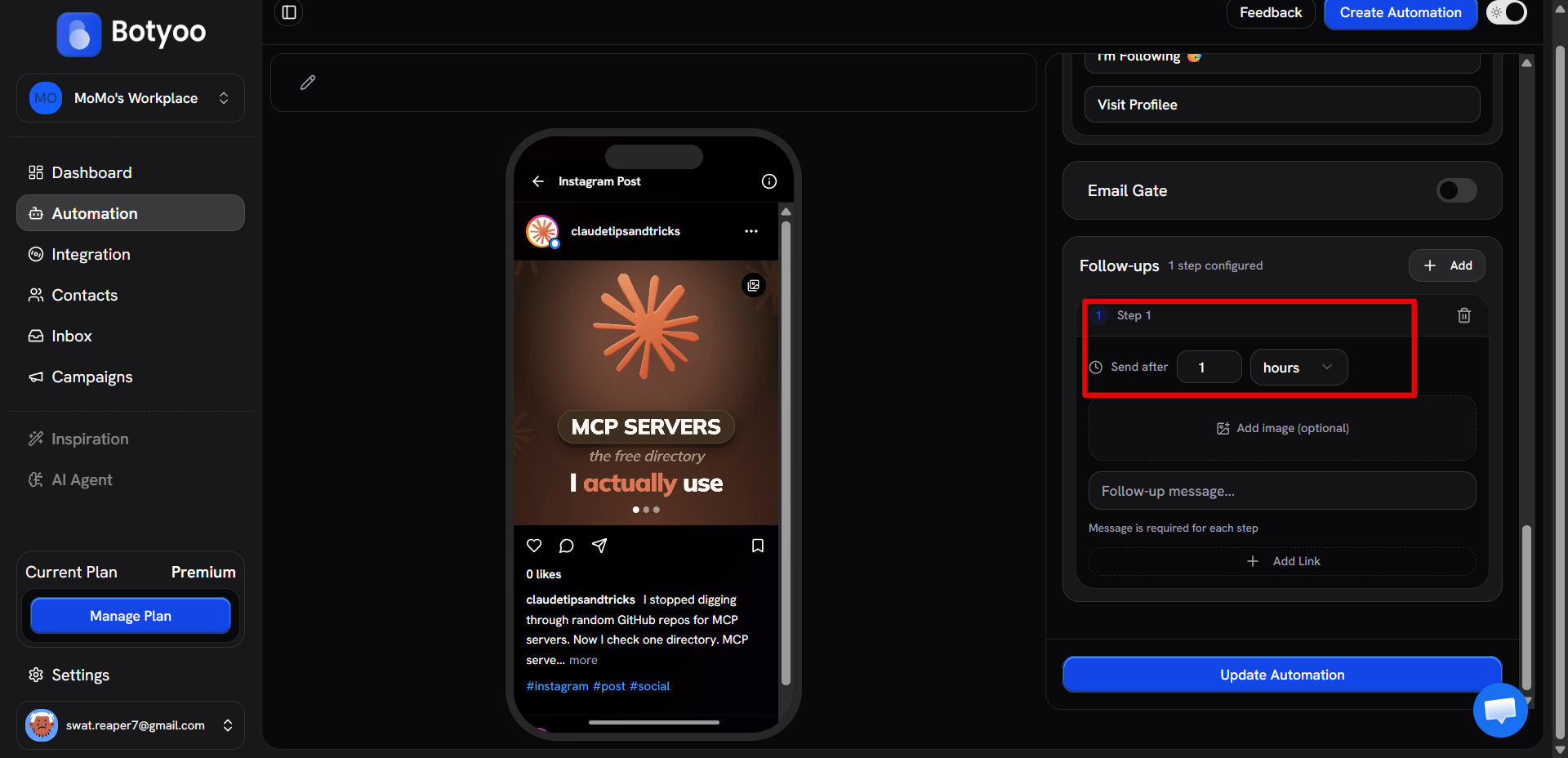
Step 4: Write the follow-up message
Compose the message. Attach an image or link if you want.
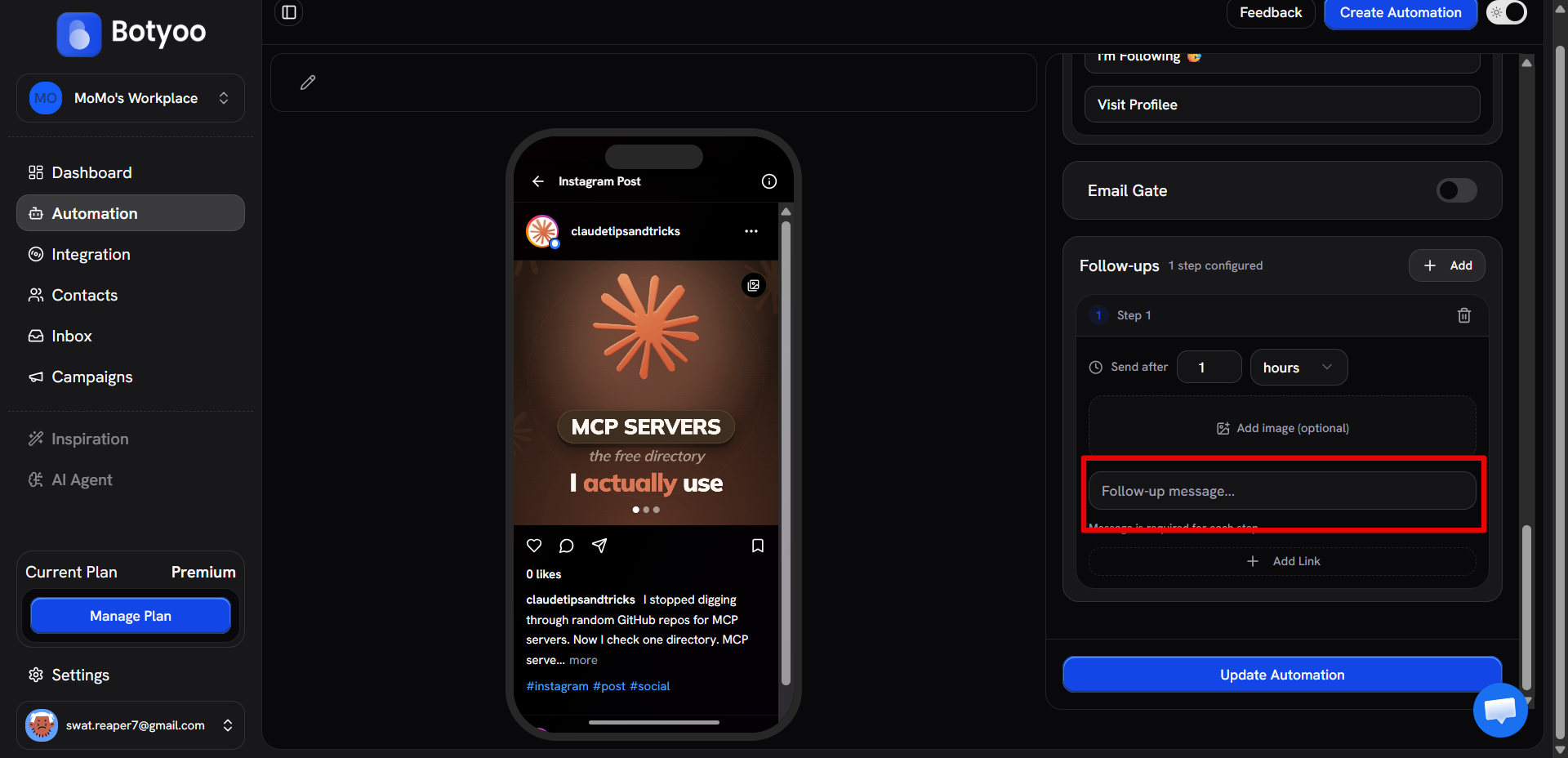
Step 5: Stack more follow-ups
Click + Add again to stack additional steps. Each new step is added below the previous one with its own delay and message, Botyoo sends them in order, waiting the delay between each.
A common 3-step sequence:
| Step | Delay | Purpose |
|---|---|---|
| 1 | 1 day | Gentle reminder |
| 2 | 3 days | Last-chance |
| 3 | 7 days | Re-engagement |
Step 6: Save
Save the automation. Follow-ups start running on every new contact captured.
What’s next
Was this article helpful?